.jpg&w=1080&q=75)
9 Best AI Website Builders in India, Compared (2026)

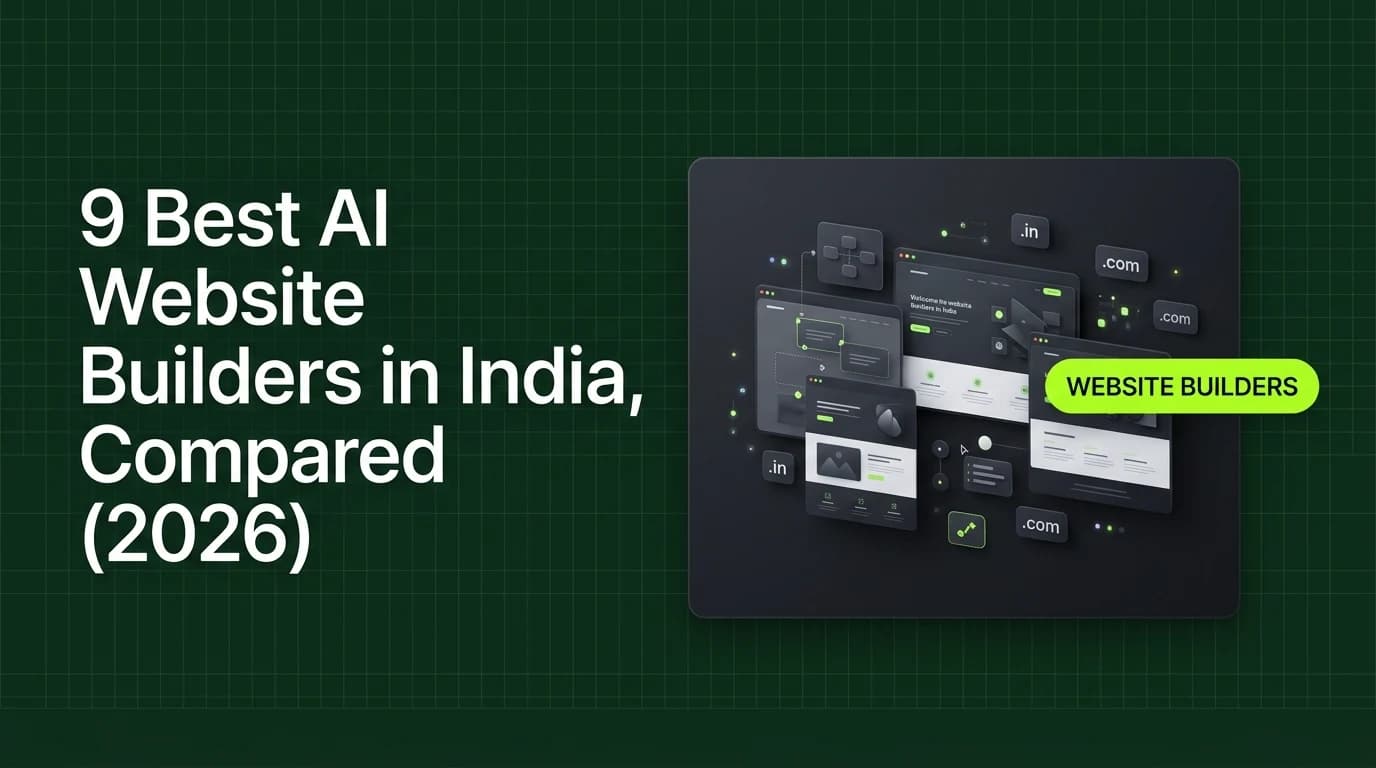
The best AI website builders in India for non-coders in 2026 are Wix, Hostinger AI Website Builder, Durable, 10Web, Squarespace, Framer, Webflow AI, and WordPress.com AI — ranging from roughly ₹190/month to ₹2,100/month. Each builds a live site from a text prompt in minutes, no code required.
Building a website used to mean hiring a developer or wrestling with a page builder for a weekend. In 2026, you describe your business in a sentence and an AI tool generates a working site — copy, layout, and images included. The hard part now is picking the right ai website builder india option for your actual budget, not the building itself.
If you have searched for an ai website builder india small businesses can actually afford, you have probably noticed most comparison lists quote US dollar pricing and skip the domain and transaction fees that show up later. This guide fixes both — real converted pricing, and the costs nobody mentions until your first renewal.
What "AI Website Builder" Actually Means
These tools skip the blank-canvas drag-and-drop step entirely. You type a description of your business — "a bakery in Pune that takes WhatsApp orders" — and the AI generates a complete homepage, service pages, and starter copy you then edit.
This is different from vibe coding tools like Lovable or v0, which generate full custom web apps with databases and logic. Website builders are for a marketing site or storefront. If you need a working product with user accounts or payments logic beyond a store, you want a vibe coding tool instead — see our [guide to vibe coding for non-coders](/blogs/vibe-coding-for-non-coders-solopreneurs-guide) for that path.
The 9 Best AI Website Builders (2026 Pricing)
Tool | Starting Price | Best For |
|---|---|---|
Hostinger AI Website Builder | ~₹190/month | Cheapest overall — hosting and domain bundled in |
WordPress.com AI | Free (design) / ~₹340/month to publish | Lowest-cost entry to a real WordPress site |
Framer | Free / ~₹850/month | AI layout + copy generation, strong for portfolios and marketing pages |
10Web | ~₹1,100/month (billed annually) | AI WordPress builder with Google Cloud hosting and speed optimization |
Webflow AI | Free / ~₹1,200/month | Multi-page generation with more manual design control if you want it |
Squarespace | ~₹1,350/month (billed annually) | Blueprint AI templates — strong for creatives and service businesses |
Wix | Free (subdomain) / ~₹1,400/month | Conversational AI editor (ADI) with booking/ecommerce built in |
Durable | Free / ~₹2,100/month | Generates a complete service-business site in under 60 seconds |
GoDaddy AI Website Builder | From ~₹250/month* | *India availability not confirmed as of this writing — check GoDaddy's India site before committing |
Prices are converted from published USD rates and will shift with the rupee exchange rate. Always check the tool's own pricing page before you pay — we're not going to pretend a number from today is accurate six months from now.
Walkthrough: Generating a Site With an AI Website Builder
Here's the actual flow, using Wix's AI editor as the example (the steps are near-identical across most tools on this list):
- Describe your business. Type a sentence like "a home bakery in Pune taking WhatsApp orders" into the AI setup prompt.
- Answer 3-4 follow-up questions. Business category, whether you need bookings/ecommerce, and your preferred visual style.
- Review the generated site. The AI produces a homepage, an About page, and a contact/order page with placeholder-free starter copy and stock imagery matched to your business type.
- Edit the specifics. Swap in your real photos, prices, and WhatsApp/contact number — this is the part AI can't do for you, because it doesn't know your actual menu or rates.
- Connect a domain and publish. Most tools bundle a free subdomain; a custom
.indomain is usually a separate add-on cost, which is where India-specific pricing can shift the total.
How We Picked This List
We only included tools with a published pricing page we could verify directly, and we excluded anything not confirmed to work for an Indian billing address and .in domain purchase (which is why GoDaddy carries a caveat above rather than a clean recommendation). We prioritized tools a non-coder can operate entirely through a text prompt and a visual editor — nothing on this list requires touching HTML or CSS.
Hidden Costs Non-Coders Miss
The monthly price on a pricing page is rarely the full cost. Three things consistently push the real bill higher:
- Custom domains. A
.indomain is almost always billed separately from the builder subscription — usually an extra ₹500–₹1,000 a year, on top of whatever plan you pick. - Ecommerce transaction fees. Free and entry-level plans on Wix and Durable often add a percentage fee on top of your payment processor's cut if you're not on their commerce-tier plan.
- Annual billing traps. Every "starting price" in the table above assumes annual billing. Paying monthly on most of these tools costs 30–40% more than the advertised rate — check the toggle before you commit.
None of this makes an ai website builder india purchase a bad idea. It just means the number on the homepage is a starting point for your budget, not the final one.
Who Should Use Which Tool
- Tightest budget, just need something live: Hostinger AI Website Builder or WordPress.com AI.
- Portfolio, personal brand, or a design-forward marketing page: Framer.
- You already run WordPress or plan to: 10Web.
- You want ecommerce or bookings built in without add-ons: Wix or Durable.
- You want more manual layout control after the AI draft: Webflow AI.
What These Tools Can't Do
None of these generate real backend logic — user accounts, custom booking rules, payment webhooks, or anything beyond a store checkout. That is what a vibe coding tool is for, or what our [Vibe Coding Mastery course](/courses/vibe-coding-mastery) teaches you to wire up separately. An AI website builder gets your business found and contactable online. It does not replace an actual product.
Budget matters here too. If the monthly subscription for any of these tools feels tight against everything else you are paying for online, it's worth comparing against course and tool costs generally — our [honest breakdown of AI course fees in India](/blogs/ai-course-fees-india-2026-honest-breakdown) covers the same "real price, not the homepage number" approach for AI education specifically.
The Bottom Line
There is no single best ai website builder india has to offer across every budget and use case — the right pick depends on whether you need ecommerce, how much design control you want after the AI draft, and whether ₹190/month or ₹2,100/month is the realistic monthly line item for your business. Start with the cheapest tool that covers your actual requirements, not the one with the flashiest demo video.
Frequently Asked Questions
What is the cheapest AI website builder in India?
Hostinger's AI Website Builder is currently the cheapest verified option, starting around ₹190/month with hosting and a domain bundled in. WordPress.com's AI builder is free to design and only charges roughly ₹340/month once you actually publish the site live, making it the lowest-cost entry point if you're still testing an idea.
Can I build an ecommerce store with an AI website builder?
Yes — Wix and Durable both generate ecommerce-ready sites with product pages and checkout built in during the initial AI setup flow, no separate plugin needed. For larger or more complex product catalogs, 10Web's WordPress-based approach paired with WooCommerce usually scales better than a pure website-builder checkout.
Do AI website builders work well for Hindi or regional-language sites?
Most tools on this list, including Wix, Squarespace, and Webflow, technically support multilingual content and Unicode text. But the AI-generated starter copy they produce is English-first, so you will need to manually translate or rewrite the generated headlines and body text yourself for a genuinely Hindi-first site.
Is an AI website builder the same as a vibe coding tool?
No, and mixing them up wastes money. Website builders like Wix or Framer generate a marketing site or storefront from a prompt. Vibe coding tools like Lovable or v0 generate custom web applications with real backend logic, databases, and user accounts — a different job entirely, covered in our separate vibe coding tools guide.

Learn to build AI workflows that handle your busywork — live sessions, real projects, zero code.
See the courseBeginner-friendly