.jpg&w=1080&q=75)

You Do Not Need a Developer: Use Cursor AI to Build Your First Product

You Dont Need a Developer: Use Cursor AI to Build Your First Product
In 2026, a non-technical solopreneur can go from idea to live product in a weekend usingCursor AI for beginners.
What Cursor AI Actually Is
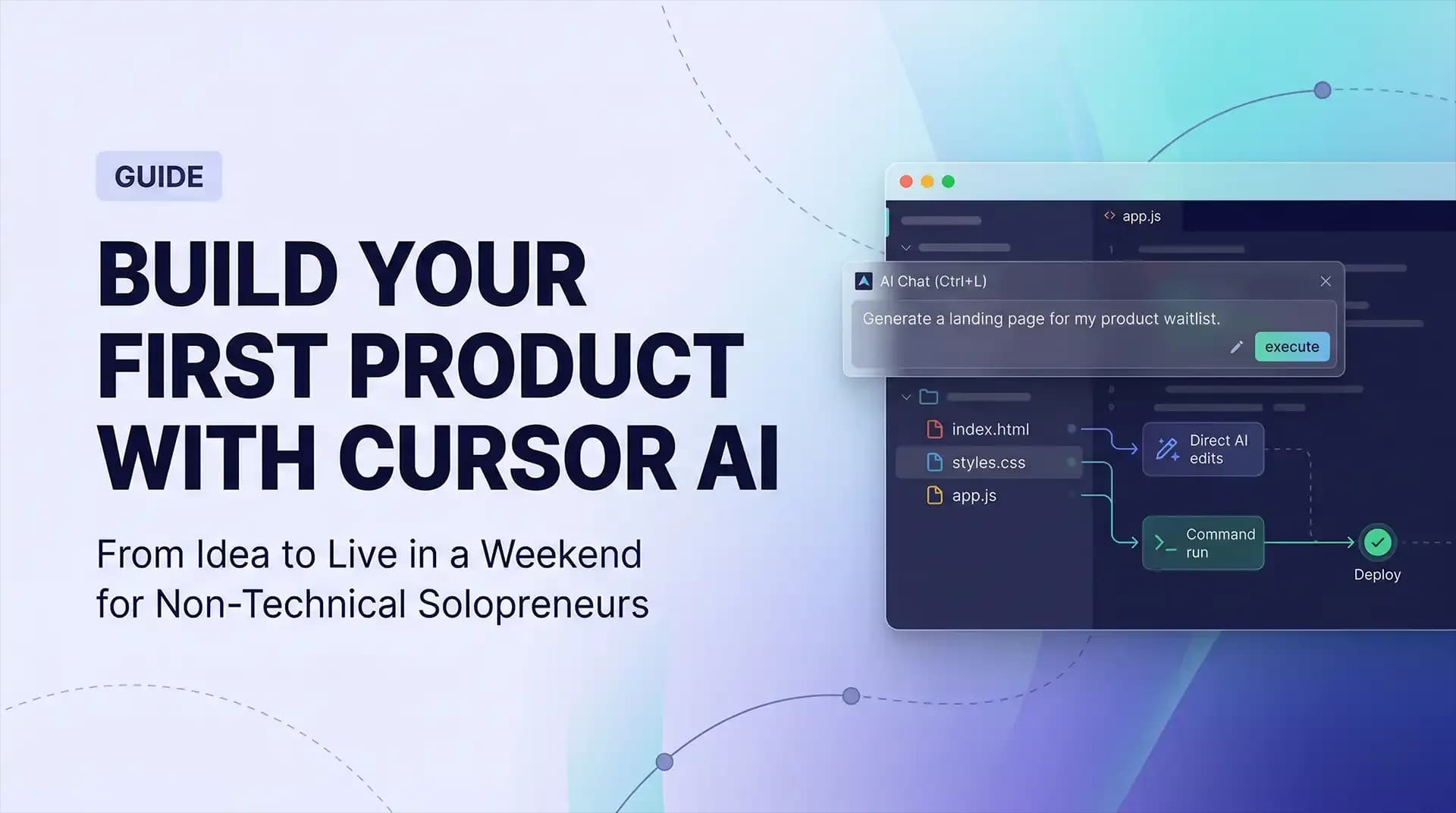
Cursor is a code editor with AI built into every layer. When you write a prompt, the AI doesnt just give you code; it writes directly into your project files, edits existing files, and runs commands.
How to Set Up Cursor AI in 10 Minutes
- Download and installfrom cursor.com.
- Create a free accountto access models like Claude 3.5 and GPT-4o.
- Open a new folderfor your project.
- Open the AI chat(Ctrl+L) to start prompting.
Building Your First Product
You can scaffold a landing page with a waitlist form, iterate on the design using descriptive prompts, and deploy it live to Netlify in minutes.
The barrier to entry for building products has dropped from can you code? to can you describe what you want clearly?
Solopreneurs who spend years writing proposals and scoping client work are exceptionally positioned to use Cursor AI well. The muscle is already there — it just needs to be applied in a new direction.
Stop waiting until you know enough to build. You know enough right now. The tool fills the gap between your idea and a working product.

Learn to build AI workflows that handle your busywork — live sessions, real projects, zero code.
See the courseBeginner-friendly