.jpg&w=1080&q=75)
5 Free AI Agents You Can Deploy in Google Workspace for Daily Business Operations (2026)

Indian solopreneurs, digital marketing agencies, and small business operators can save 12+ hours every week by deploying five zero-cost AI micro-agents inside Google Workspace to automate email triage, client meeting summaries, proposal drafting, and routine customer follow-ups without paying for expensive enterprise software.
Let's look at where the typical Indian business founder loses the majority of their working day.
It is not on strategic client presentations or product innovation.
It is on Operational Micro-Friction:
- Sifting through 90 emails every morning to separate urgent client requests from cold sales pitches.
- Spending 40 minutes after every Google Meet typing meeting minutes and delegating action items.
- Formatting client proposal documents from scratch.
- Manually following up on unpaid client invoices.
- Copying contact numbers from WhatsApp chats into Google Contacts.
Individually, each micro-task takes only 10 to 15 minutes.
Collectively, they consume over two full working days every single week.
Many founders believe fixing this requires hiring a full-time executive assistant (₹25,000/month) or purchasing high-end enterprise automation software ($30/user/month).
In reality, you can build and deploy powerful autonomous micro-agents directly inside your free or basic Google Workspace account using standard Google Apps Script and free-tier API endpoints.
Here are the five essential AI agents every small business owner should activate today.
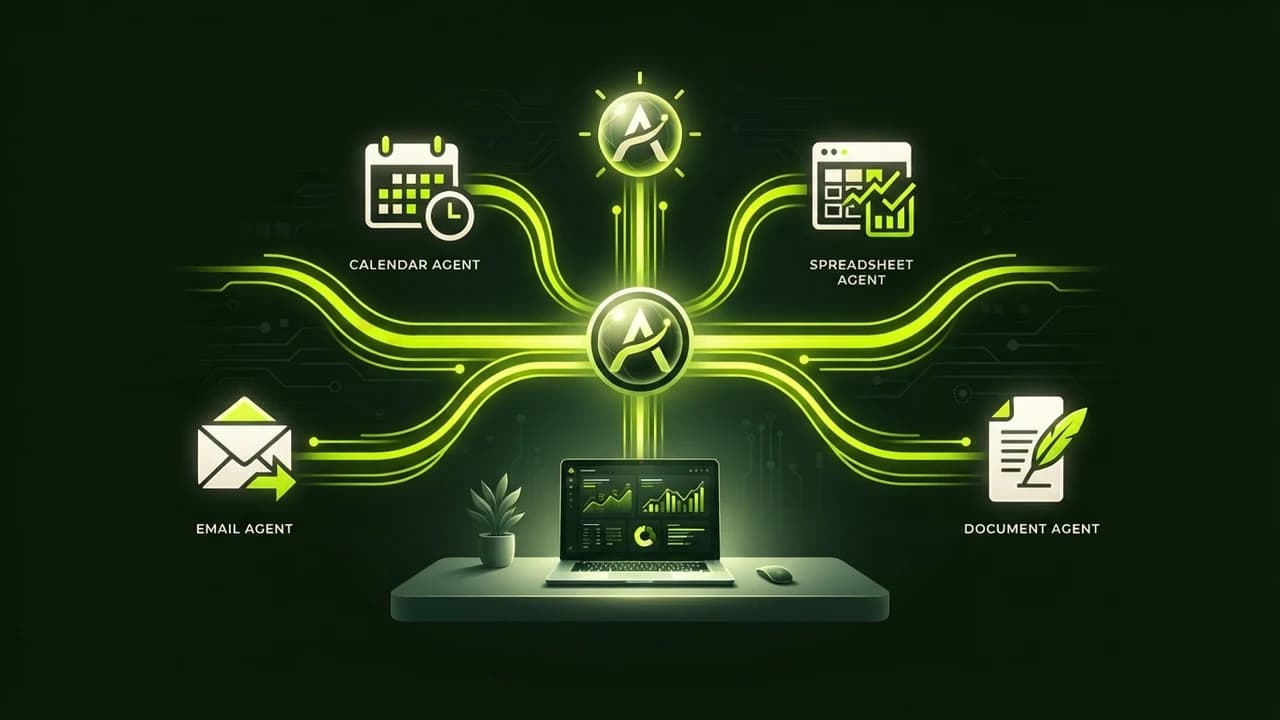
The 5 Essential Zero-Cost Google Workspace AI Agents
AI Micro-Agent | Daily Task Automated | Weekly Time Saved | Setup Complexity |
|---|---|---|---|
1. The Gmail Executive Triage Agent | Categorizes incoming mail, flags VIP clients, auto-drafts replies | 4.5 Hours / Week | 10 Minutes (Apps Script) |
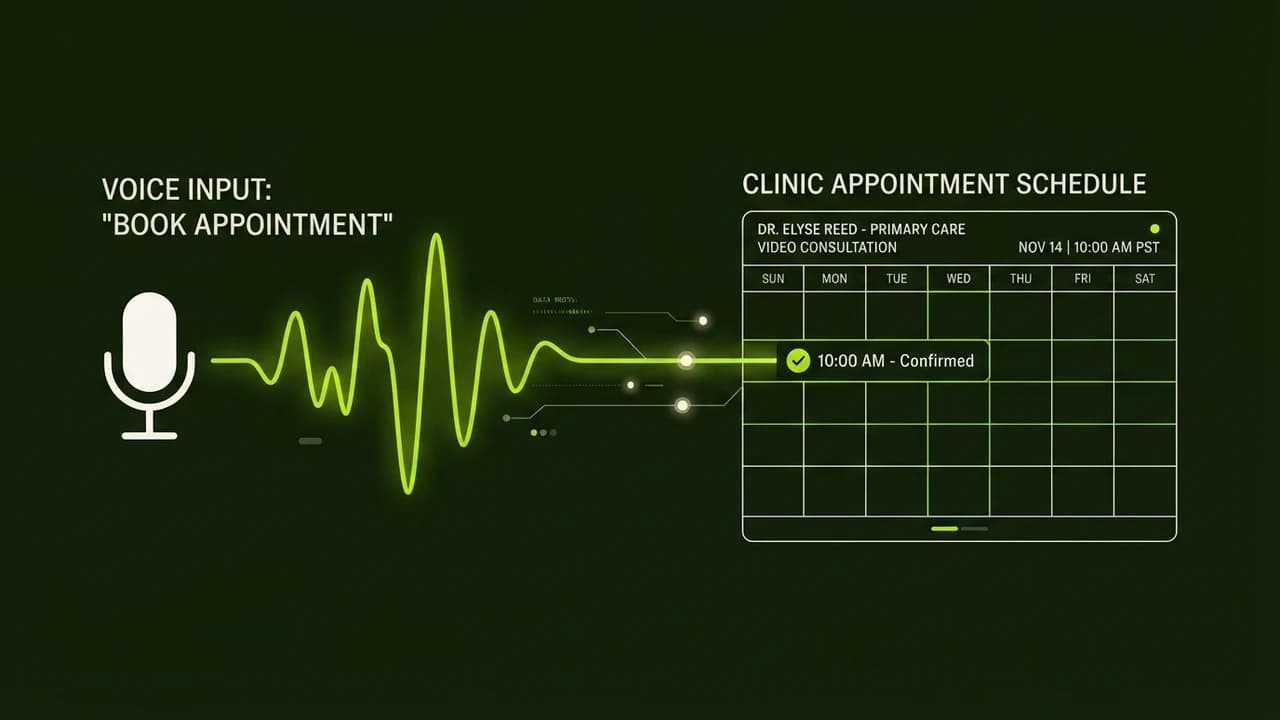
2. The Google Meet Action-Item Agent | Summarizes call transcripts, extracts deadlines, emails attendees | 3.0 Hours / Week | 15 Minutes (Drive Trigger) |
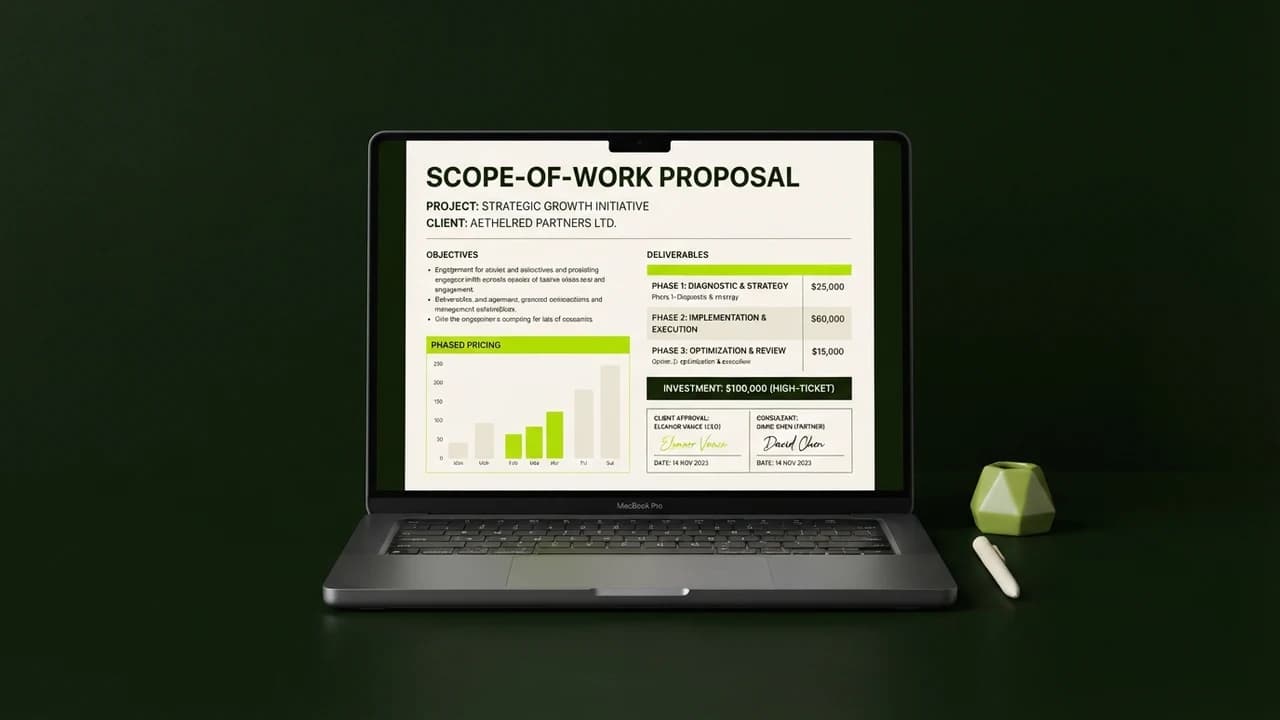
3. The Instant Client Proposal Generator | Converts rough bullet points into formatted Google Docs proposals | 2.5 Hours / Week | 10 Minutes (Docs Template) |
4. The Friendly Invoice Chaser | Monitors overdue invoices in Sheets and sends polite payment nudges | 2.0 Hours / Week | 15 Minutes (Sheets Time-Trigger) |
5. The Daily Executive Briefing Bot | Scans today's schedule and delivers an 8:00 AM WhatsApp briefing | 1.5 Hours / Week | 10 Minutes (Calendar Sync) |
Step-by-Step Breakdown of the 5 AI Agents
1. The Gmail Executive Triage Agent
Stop drowning in an overflowing inbox:
- A lightweight Google Apps Script runs every 15 minutes in your Gmail account.
- It scans new unread messages and sends the sender and body to an AI parser.
- It automatically applies color-coded labels: 🔥 Urgent Client, 📄 Billing / Invoices, 🤝 New Inbound Lead, or 🗑️ Newsletter / Low Priority.
- For standard customer queries (e.g. 'Can you share your company brochure and pricing sheet?'), it drafts an articulate, personalized response in your Gmail drafts folder, ready for your one-click review and send.
2. The Google Meet Action-Item Agent
Never lose track of client commitments made during video calls:
- After concluding a client consultation on Google Meet, Google automatically saves the audio transcript into your Google Drive.
- A Drive trigger sends the raw transcript to an AI summarizer.
- Within 60 seconds of hanging up, the agent generates a crisp 3-section email sent to all call attendees:
- Section 1: Executive Key Decisions Made.
- Section 2: Assigned Deliverables with Deadlines (Who is doing what by Friday).
- Section 3: Open Questions for Next Week's Sync.
3. The Instant Client Proposal Generator
Turn scattered conversation notes into polished sales proposals:
- Create a simple Google Form where you enter: Client Name, Project Scope, Budget, and 4 bullet points discussed during the pitch.
- When you submit the form, the AI agent expands your brief notes into a comprehensive, professional 4-page Google Doc proposal complete with Executive Summary, Scope of Work, Phased Timeline, and Payment Terms.
- It styles the document with your brand typography, exports a PDF, and places it in your Google Drive ready to send.
4. The Friendly Invoice Chaser
Eliminate the awkwardness of following up on pending payments:
- Maintain your ongoing client projects in a Google Sheet tracking Invoice Date, Amount, and Payment Status.
- Every Monday at 10:00 AM, the agent checks for invoices older than 15 days marked as 'Unpaid'.
- It drafts a warm, professional payment reminder email to the client's accounts team:
- 'Hi Team, Hope you are having a productive week! Just circling back on Invoice #204 for ₹45,000 sent on the 1st. Could you share the expected NEFT/RTGS payment schedule? Thanks so much!'
- Clients appreciate the polite consistency, and your cash flow improves dramatically.
5. The Daily Executive Briefing Bot
Start every morning with absolute mental clarity:
- Every morning at 8:00 AM, an automated cron trigger checks your Google Calendar and Gmail priority labels.
- It compiles an executive morning briefing delivered straight to your personal WhatsApp or Telegram:
- 'Good morning! Today you have 3 client calls (11:00 AM with Priya, 2:30 PM with TechCorp, 4:00 PM internal review). Two VIP emails require your reply before noon. Your focus for today: Finalizing the Q3 marketing strategy.'
Running a Lean, Highly Productive Business in 2026
You do not need an enterprise software budget or a massive administrative team to operate at elite productivity levels.
By putting the free AI capabilities already at your fingertips to work inside Google Workspace, you reclaim 12+ hours of your life every single week—freeing your mind to build products, serve clients, and grow your company.
Frequently Asked Questions
Do these agents cost money to keep running?
No. Standard Google Apps Script execution is 100% free within Google Workspace personal and business accounts. Connecting to Gemini API's generous free tier covers thousands of operational requests every month at zero cost.
Can these scripts break if Google updates Workspace?
Google Apps Script is an official, deeply integrated Google cloud platform that has maintained backward compatibility for over a decade. The scripts run server-side inside Google's cloud with exceptional reliability.
Does setting this up require installing software on my computer?
No. Everything runs 100% in the cloud inside your web browser. You do not need to keep your computer turned on for the automated triggers to fire.
How difficult is it to customize the email tone?
In the script prompt, you can specify your exact communication style (e.g. 'Maintain a warm, polite, professional tone typical of a high-end Indian design studio'), and the AI adapts its phrasing accordingly.

Learn to build AI workflows that handle your busywork — live sessions, real projects, zero code.
See the courseBeginner-friendly