.jpg&w=1080&q=75)
How to Build an AI Customer Support Agent in 30 Minutes (No-Code Guide 2026)

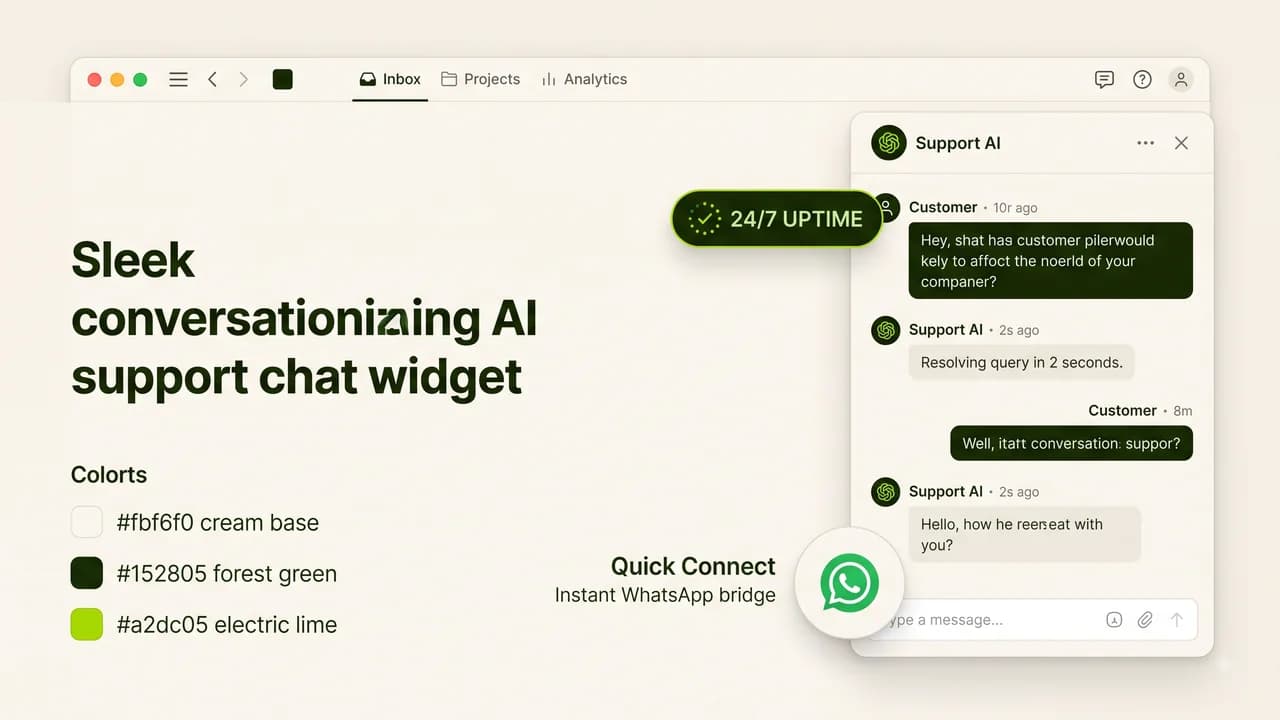
Building a custom 24/7 AI customer support agent requires connecting your company knowledge base to a conversational AI model using no-code workflow builders.
Customer support expectations have transformed. Modern consumers expect instant, accurate answers on WhatsApp, website live chat, and email at any hour of the day. Traditional static chatbots with rigid multiple-choice buttons frustrate users, while hiring 24/7 human support shifts is financially impossible for most small businesses.
Autonomous AI customer support agents bridge this gap. By combining large language models (Claude / GPT-4o) with your company's actual FAQs, refund policies, and product documentation, an AI agent resolves 70% to 85% of incoming customer tickets instantly with high precision.
1. The 4 Components of a Production AI Support Agent
System Component | Purpose | No-Code Implementation |
|---|---|---|
Knowledge Base (RAG) | Company truth source (FAQs, pricing, policies) | Notion docs, PDF uploads, or Google Sheets |
Reasoning Engine | Understands customer questions and formats responses | Claude 3.5 Sonnet / GPT-4o Mini |
Guardrail Framework | Prevents hallucinations, competitors' praise, and toxic replies | System prompt boundaries & negative rules |
Human Escalation Bridge | Hands off complex complaints to human agents | Automated WhatsApp alert / Slack notification |
2. Step-by-Step Build Guide: From Zero to Live in 30 Minutes
Step 1: Prepare Your Clean Knowledge Base Document
Gather all common customer queries, shipping timelines, refund conditions, and technical troubleshooting steps into a clean markdown document or Google Doc. Structure information using clear headers and bullet points.
Step 2: Configure System Prompt & Personality Guardrails
Copy and customize this proven enterprise system prompt template:
You are the Official AI Customer Support Specialist for [Company Name].
Your goal is to provide concise, friendly, and 100% accurate assistance based ONLY on the provided Knowledge Base.
STRICT OPERATIONAL RULES:
1. If the answer is NOT explicitly stated in the Knowledge Base, reply: "I want to make sure you get the exact right answer. Let me connect you with our human support team immediately."
2. NEVER mention competitor pricing or recommend alternative services.
3. Keep responses under 3 short sentences whenever possible.
4. Maintain a warm, professional, and empathetic tone.
Step 3: Connect Your Communication Channels
Using no-code builders (such as Voiceflow, Chatbase, or self-hosted n8n), connect your configured agent to your website embed widget, WhatsApp Business Cloud API, or Telegram helpdesk.
Step 4: Test Edge Cases & Escalation Triggers
Simulate 15 challenging customer scenarios (e.g., refund demands, angry tone, out-of-stock items) to ensure the AI agent gracefully hands off conversations to your human team without hallucinating false promises.
3. Human Escalation Architecture
Customer Intent | AI Agent Action | Human Notification |
|---|---|---|
Standard FAQ (Pricing, Hours, Shipping) | Instant direct resolution from Knowledge Base | None (Auto-resolved) |
Account/Billing Discrepancy | Collects Order ID & Email, tags ticket as High Priority | Slack/WhatsApp alert to billing manager |
Frustrated Customer / Escalation Request | Apologizes empathetically and freezes bot replies | Live phone/chat transfer to senior agent |
4. Return on Investment (ROI) for Small Businesses
- Response Time: Reduced from 4 hours to < 5 seconds.
- Resolution Rate: 75% of routine queries resolved without human intervention.
- Cost Reduction: Replaces ₹30,000/month in outsourced night-shift support overhead with a ~₹1,500/month API bill.
5. Frequently Asked Questions (PAA)
Will the AI support bot give wrong information to customers?
Not if strict prompt guardrails are configured. By restricting the AI's temperature to 0.1 and instructing it to admit when information is missing, hallucination rates drop below 1%.
Can the bot handle regional languages like Hindi or Hinglish?
Yes. Modern models like Claude and GPT-4o understand and reply fluently in Hindi, Hinglish, Tamil, Telugu, and other Indian regional languages automatically.
How much does it cost to run an AI customer agent?
For an Indian business handling 2,000 customer conversations monthly, API token costs typically range between ₹800 and ₹2,000 per month.
How can I build custom AI agents for my business?
Learn practical, no-code AI agent construction at Zero To AI (https://zerotoai.in), featuring step-by-step video courses and downloadable templates.

Learn to build AI workflows that handle your busywork — live sessions, real projects, zero code.
See the courseBeginner-friendly