.jpg&w=1080&q=75)
How Non-Technical Professionals Use AI for Daily Workflow Automation Under ₹2,000/Month

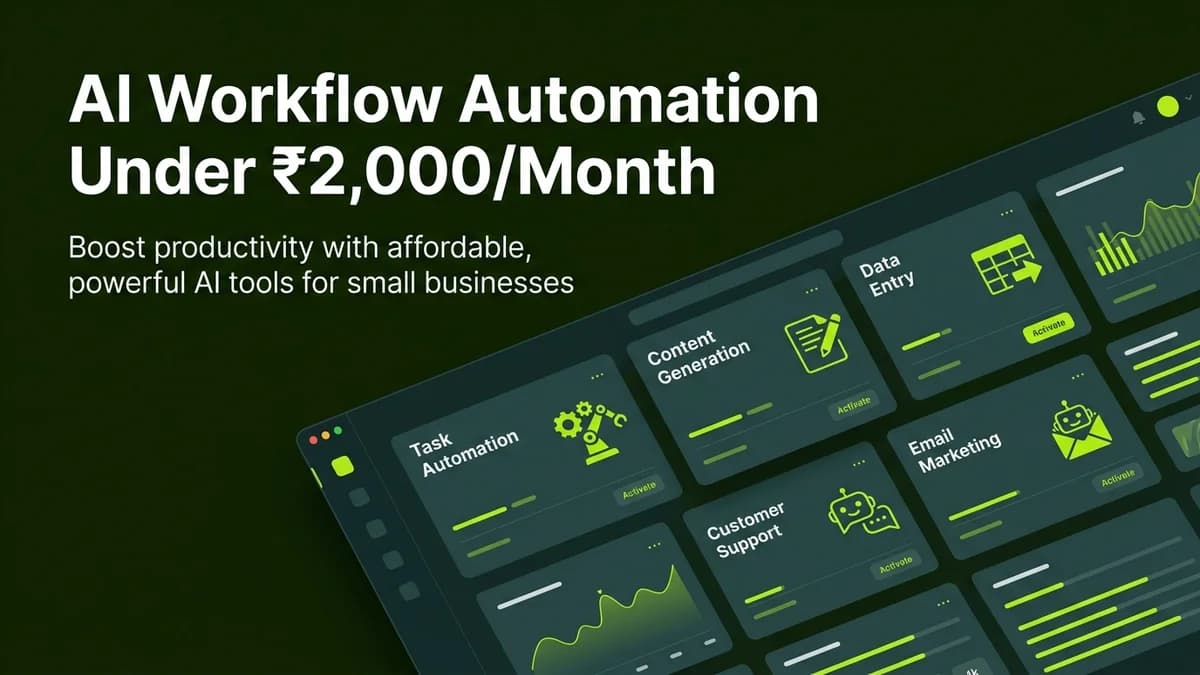
Non-technical Indian professionals automate daily administrative and content tasks using an affordable AI stack of ChatGPT Team, Make.com, and Tally for under ₹2,000 per month without hiring developers.
Many solopreneurs, consultants, digital marketers, and small business owners operate under the false assumption that implementing business automation requires massive software budgets or hiring full-time software engineers. In reality, modern no-code automation platforms and accessible AI models have democratized productivity tools, making enterprise-grade efficiency available at a fraction of traditional software costs.
By combining low-cost visual automation tools with conversational AI assistants, non-technical professionals across India can save 15 to 20 hours per week while keeping total monthly software expenditure strictly under ₹2,000.
The ₹2,000/Month Non-Coder AI Tech Stack Breakdown
The table below outlines a lean, high-ROI software stack tailored for Indian professionals:
AI Automation Tool | Estimated Monthly Cost (INR) | Primary Operational Role | Weekly Hours Saved |
|---|---|---|---|
ChatGPT Team / Claude Pro | ~₹1,600 / month | Content drafting, email synthesis, strategy & code-free tool building | 8 to 10 hours |
Make.com (Core Plan) | ~₹800 / month (or ₹0 on free tier) | Visual workflow automation linking forms, email, and Google Workspace | 4 to 6 hours |
Tally Forms | ₹0 / month (100% free tier) | Unlimited client intake forms, survey collection, and lead submission | 2 to 3 hours |
Google Workspace / Drive | Included in basic cloud stack | Central storage for documents, sheets, and automated reporting | 2 to 3 hours |
Total Monthly Investment | ~₹1,800 to ₹2,000 / month | Complete No-Code Business Operating Engine | 16 to 22 hours weekly |
4 Core Daily Workflows You Can Automate Immediately
Here are four high-impact operational bottlenecks non-coders can automate right away:
[Trigger Input: Email / Form] ──> [Automation Router] ──> [AI Processing Node] ──> [Output Action]1. Administrative Invoicing & Payment Reminders
Instead of manually tracking unpaid invoices in spreadsheets, connect your billing forms or payment gateway (such as Razorpay or Stripe) to Make.com:
- When an invoice remains unpaid after 5 business days, trigger an automated gentle reminder email.
- Use ChatGPT to generate polite, context-aware payment follow-up drafts tailored to individual client relationships.
2. Client Email Categorization & Summary Drafts
Drowning in customer inquiries degrades daily focus. Set up an email automation workflow:
- Route incoming client emails through an AI parsing node.
- Automatically categorize messages into Urgency Levels (High, Medium, Routine).
- Generate a concise 2-bullet executive summary and draft response inside your Gmail drafts folder for quick approval.
3. Content Repurposing Pipeline
Turn a single detailed blog post or client case study into a multi-platform marketing asset:
AI Content Repurposing Prompt Blueprint:
"Take the attached long-form blog content about {Topic}. Re-write it into: (1) A 150-word text post for LinkedIn focusing on actionable business advice, and (2) A 5-bullet summary for an email newsletter. Maintain a clear, professional tone without buzzwords."
4. Weekly Project Status Reporting
Automate weekly client updates without spending hours compiling data manually:
- Connect project management spreadsheets or forms to an AI summary node.
- Automatically pull completed task milestones, highlight upcoming deadlines, and compile a clean email digest sent every Friday afternoon.
Step-by-Step Implementation Blueprint for Indian Professionals
Follow this structured roadmap to launch your affordable AI stack:
- Audit Repetitive Friction Points: Log your daily activities for 3 days and list every task that takes over 20 minutes of repetitive manual work.
- Select Your Core AI Model: Subscribe to ChatGPT Team or Claude Pro to ensure high data privacy standards and reliable model access.
- Build Simple 2-Node Automations: Start with one basic workflow on Make.com or n8n (such as Google Form submission to instant Gmail draft).
- Refine Prompts and Guidelines: Standardize your business rules inside prompt templates to maintain brand consistency.
- Scale Gradually: Add new automation triggers only after your initial workflows run consistently error-free for two consecutive weeks.
3 Costly Mistakes to Avoid on a Budget
Avoid these common pitfalls when automating daily operations:
- Over-automating Human Touchpoints: Do not fully automate sensitive high-stakes client communications without a human approval step.
- Ignoring Free Tier Allowances: Maximize free tiers on tools like Tally and n8n self-hosting before upgrading to paid cloud plans.
- Neglecting System Audits: Periodically check automation execution logs to catch broken webhooks or API updates early.
Frequently Asked Questions (FAQs)
Can I automate business tasks under ₹2,000/month without technical coding knowledge?
Yes. Modern visual platforms like Make.com and conversational AI tools like ChatGPT are designed specifically for non-technical users, requiring zero code.
Is n8n cheaper than Make.com for Indian freelancers and solopreneurs?
If you self-host n8n on a basic virtual private server (VPS costing around ₹400/month), n8n provides unlimited workflow executions without per-operation limits, making it extremely economical for high task volumes.
Is client data safe when using budget AI automation tools?
Yes, provided you utilize paid commercial tiers (such as ChatGPT Team or Claude Pro) which explicitly guarantee that user data is encrypted and never used to train public AI models.
How much time does it take to learn visual automation platforms?
Most non-technical professionals master basic 2-node or 3-node automations on Make.com within 2 to 4 hours of hands-on practice.

Learn to build AI workflows that handle your busywork — live sessions, real projects, zero code.
See the courseBeginner-friendly