.jpg&w=1080&q=75)
Vibe Coding for Non-Coders: How Solopreneurs Build Custom AI Tools Without Writing Code

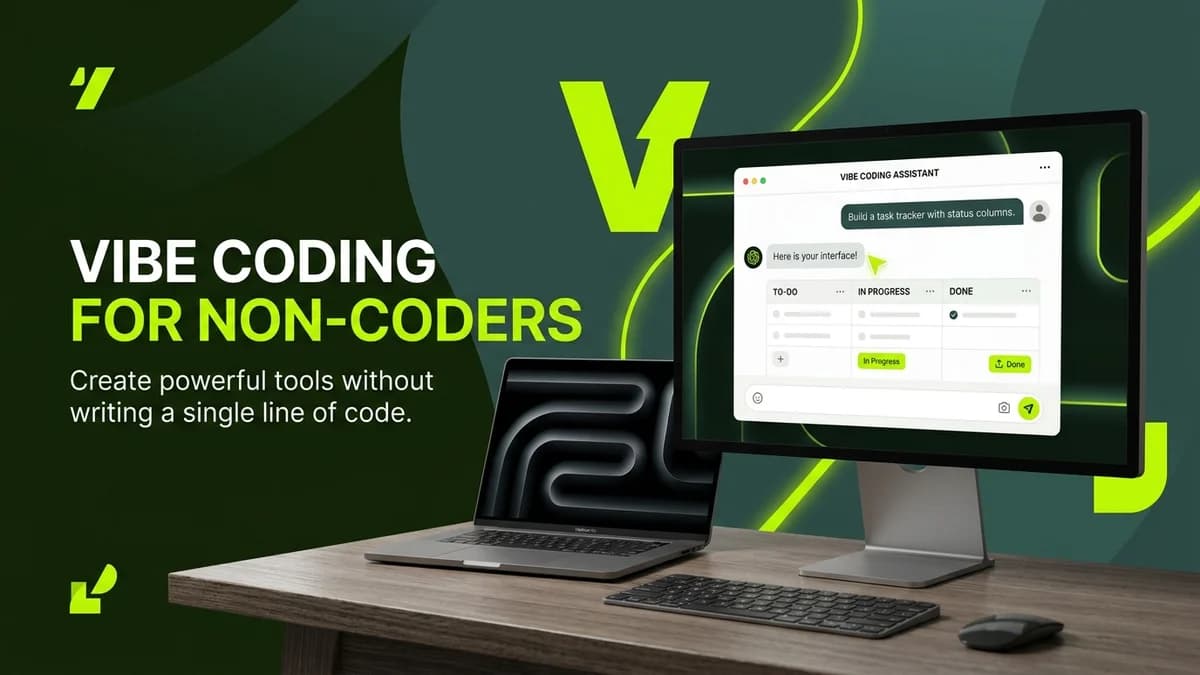
Non-technical solopreneurs can practice vibe coding by describing business workflow requirements in natural language to AI builders like Claude or ChatGPT, generating fully functional custom tools without writing code.
The traditional barrier between having a business idea and building functional software has collapsed. For decades, small business owners and solopreneurs relied on expensive agency contracts or months of tedious self-education to build internal productivity tools. Today, a new paradigm known as "vibe coding" empowers non-technical founders to construct custom business software simply by holding a natural conversation with an artificial intelligence model.
Vibe coding shifts the focus from syntax rules, variable declarations, and compiler errors to clear plain-English instructions, problem framing, and iterative testing.
Why Vibe Coding Is Transforming Solopreneur Productivity
Traditional software development required deep technical syntax knowledge, whereas vibe coding relies on operational intent:
Development Metric | Traditional Software Development | Vibe Coding for Non-Coders |
|---|---|---|
Required Skillset | High programming expertise (Python, JS, C++) | Clear plain-English communication & workflow logic |
Initial Setup Time | Weeks of development environment configuration | Instant start inside conversational AI windows |
Cost Structure | High developer salaries or agency fees | Under $20/month AI subscription fees |
Bug Fixing Approach | Manual line-by-line debugging | Conversational error feedback to the AI model |
Build Speed | 1 to 3 months per business tool | 15 minutes to 2 hours for functional prototypes |
3 Pillars of a Successful Vibe Coding Workflow
To build reliable internal tools without writing code, non-technical founders follow a 3-part execution loop:
[Plain-English Prompting] ──> [AI Prototype Generation] ──> [Iterative Testing & Refinement]Pillar 1: Plain-English Requirement Framing
Rather than trying to think like a programmer, describe your business problem with operational clarity. Define:
- The exact input data (such as client inquiry emails, CSV spreadsheets, or form submissions)
- The required business logic (such as calculating project estimates or categorizing lead urgency)
- The desired visual output (such as an interactive HTML dashboard, a formatted PDF, or an automated email draft)
Pillar 2: Conversational AI Prototype Generation
Pass your requirements into an AI assistant like Claude 3.5 Sonnet or ChatGPT-4o. Instruct the AI model to act as a senior software architect and generate a clean, self-contained single-file web interface or script.
Vibe Coding Prompt Blueprint:
"You are an expert web application developer. Create a clean, single-file HTML/JS tool that allows me to input client project scope notes and outputs a structured fee estimate. Include a simple dark-mode interface with clear input fields and a copy-to-clipboard button."
Pillar 3: Iterative Testing & Feedback Loops
Run the generated file directly inside your browser. When an edge case occurs or layout adjustments are needed, simply take a screenshot or copy the error description back into the AI chat window for instant correction.
Step-by-Step Vibe Coding Blueprint for Beginners
Follow this practical 4-step sequence to launch your first custom business tool today:
- Identify a Repetitive Task: Pick a recurring daily operational bottleneck, such as parsing invoice details or generating client status summaries.
- Draft Plain-English Rules: Write down the step-by-step instructions you would give a human intern.
- Generate the Prototype: Use Claude or ChatGPT to generate a functional web prototype.
- Deploy and Test: Save the file locally and test it with real business data before integrating it into daily operations.
Frequently Asked Questions (FAQs)
Do I need to know HTML or JavaScript to start vibe coding?
No. You do not need prior coding experience. The AI model writes, formats, and fixes all technical code based on your plain-English instructions.
Is vibe coding secure for confidential business data?
Yes, provided you use commercial AI plans (such as ChatGPT Team or Claude Pro) that enforce strict data privacy rules preventing company data from training public AI models.
What types of tools can non-coders build with vibe coding?
Solopreneurs routinely build internal calculators, client intake form parsers, custom proposal generators, automated email templates, and interactive project dashboards.

Learn to build AI workflows that handle your busywork — live sessions, real projects, zero code.
See the courseBeginner-friendly