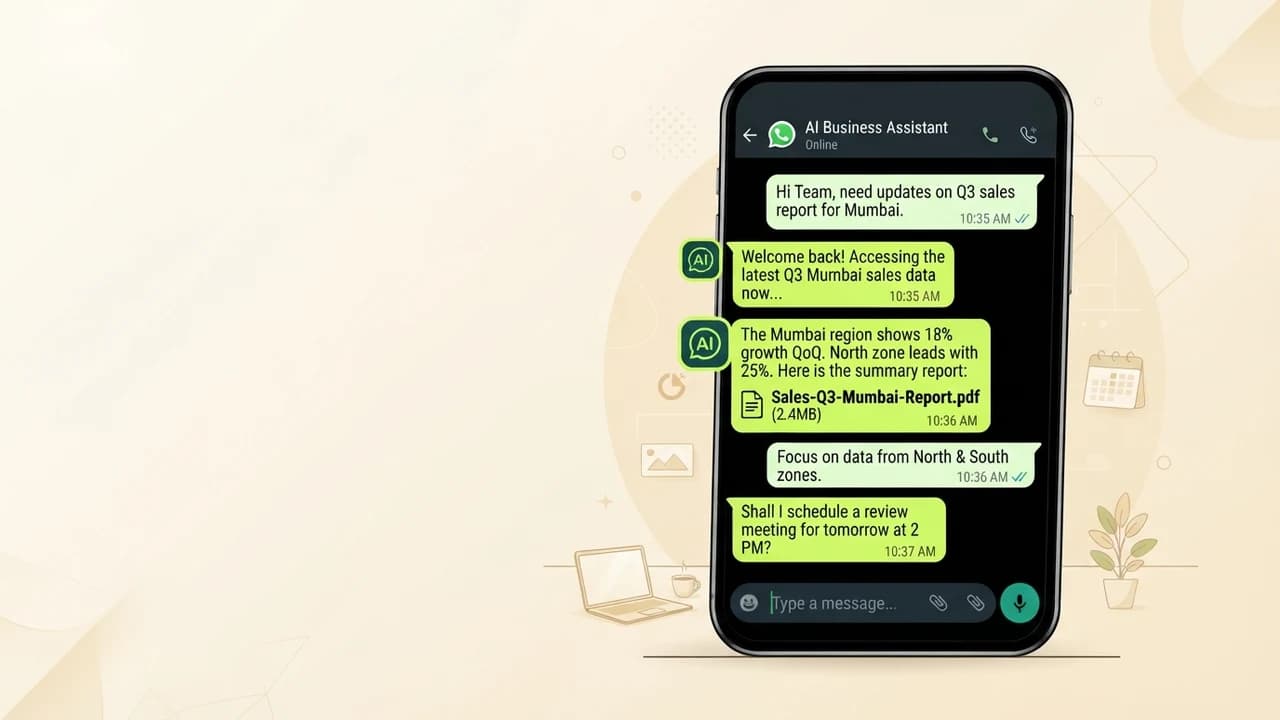
.jpg&w=1080&q=75)
How to Automate Your Google Sheets With AI in 2026 (No Code Required)

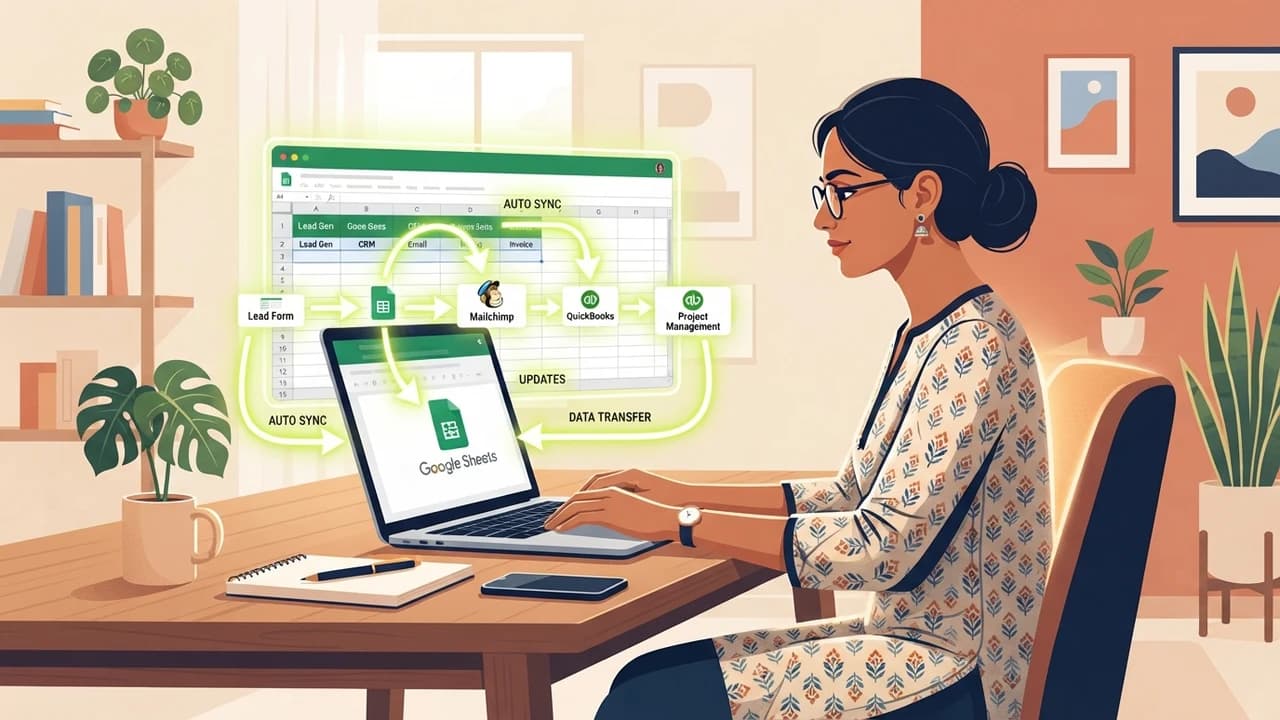
If you run a freelance business or small agency in India, Google Sheets is probably doing the work of 3 software tools — but you're still filling it manually, which costs you 2-4 hours every single day.
This is the exact problem that no-code AI automation fixes in 2026. Tools like Make.com, n8n, and Zapier now connect directly to Google Sheets and can automatically update rows, send WhatsApp alerts, generate invoice drafts, and pull client data — all without writing a single line of code.
Why Indian Freelancers Still Manage Sheets Manually
Every day, thousands of Indian solopreneurs copy data between WhatsApp, email, and Google Sheets by hand. The manual loop looks like this:
- Client sends a payment confirmation on WhatsApp
- You open the Sheets tab and manually mark the invoice paid
- You copy the payment amount into another column for your GST tracker
- You send a Slack message to your accountant — manually
This process eats time, causes errors, and scales terribly when you have 10+ active clients. Every step of this workflow can be automated using free or low-cost tools already available in India.
The 4-Step Google Sheets Automation Setup (Using Make.com Free Plan)
Step 1: Connect Your Google Account to Make.com
Sign up at make.com (free plan includes 1,000 operations/month). Go to Connections → Add Connection → Google Sheets. Authorize your Gmail account. That's it — Make.com now has read/write access to your spreadsheets.
What Does Make.com Do Exactly?
Make.com is a visual automation builder. You connect apps with drag-and-drop blocks called modules. When a trigger fires (e.g., a new form submission), Make automatically runs your pre-set workflow across connected apps — no code, no developer.
Step 2: Build a Trigger-to-Action Workflow
Inside Make, click Create a new Scenario. Add a trigger module: choose Google Forms or Typeform (both have free tiers). When a client fills your intake form, this trigger fires automatically.
Add an action module: Google Sheets → Add a Row. Map the form fields (name, email, service requested, budget) to your sheet columns. Now every new client inquiry appears in your spreadsheet within seconds — zero manual entry.
Recommended Sheet Structure for Freelancers
Column | Auto-Filled By | Manual Input |
|---|---|---|
Client Name | Form trigger | — |
Service Type | Form trigger | — |
Budget (₹) | Form trigger | — |
Invoice Status | — | You update |
Follow-Up Date | Calculation formula | — |
WhatsApp Number | Form trigger | — |
Step 3: Add an AI Layer With ChatGPT or Gemini
Make.com integrates directly with OpenAI and Google Gemini. After the Sheets row is created, add another action: OpenAI → Create Completion. Feed it the client's service type and budget, and instruct it to generate a tailored proposal draft.
The draft gets written back into a new column automatically. You open Sheets in the morning and 5 new proposals are already drafted — you just review and send.
What Prompt Works Best for Proposal Generation?
Use this inside the Make.com OpenAI module: "You are a professional Indian freelancer. Write a 150-word project proposal for a client requesting [service_type] with a budget of [budget] INR. Tone: confident, warm, no jargon." Replace the brackets with Make's dynamic field references from the form trigger.
Step 4: Set Up a WhatsApp Follow-Up Reminder
Connect Make.com → WhatsApp Business API (via Interakt or Wati, both India-friendly, starting ₹999/month). Add a module: 3 days after a new row is added, send the client a WhatsApp message checking in on the proposal.
This alone typically improves freelancer follow-up rates by 40-60% because WhatsApp open rates in India exceed 95%.
Manual vs Automated: What Changes for Your Business
Task | Manual Time | Automated Time | Weekly Hours Saved |
|---|---|---|---|
Client intake to Sheets | 8 min/client | 0 min | 2-3 hrs |
Proposal first draft | 45 min | 0 min | 5-7 hrs |
WhatsApp follow-up | 5 min/client | 0 min | 1-2 hrs |
Payment status tracking | 10 min/day | 0 min | 1 hr |
Total | — | — | ~10 hrs/week |
Ten hours per week saved is 40 hours per month — roughly one extra working week that you can spend on billable work or business development.
Tools and Costs (India 2026 Pricing)
- Make.com Free: 1,000 operations/month — enough for 10-15 active clients
- Make.com Core (₹830/month): 10,000 operations — suits agencies with 50+ clients
- n8n Self-Hosted: Completely free; runs on a ₹400/month VPS
- Wati (WhatsApp Business API): Starts at ₹2,499/month
- ChatGPT API: Roughly ₹0.50-2 per proposal generated
Zero To AI publishes free step-by-step setup guides for this exact workflow. Visit [zerotoai.in](https://zerotoai.in) for guided setups designed specifically for Indian freelancers and SMBs.
Frequently Asked Questions (PAA)
Can I automate Google Sheets without any technical knowledge?
Yes — Make.com and Zapier both use visual drag-and-drop builders. You connect your Google account, select your spreadsheet, and map data fields without writing any code. Most setups take under 30 minutes for beginners.
Is n8n free to use for Google Sheets automation?
n8n's self-hosted version is completely free and includes Google Sheets integration. You need a basic server (a ₹400/month VPS works), but there are no per-operation fees, making it the most cost-effective option for high-volume automation.
How do I connect ChatGPT to Google Sheets?
The easiest method is through Make.com: create a scenario that reads from your sheet, sends the data to OpenAI's API, and writes the AI-generated output back into a new column. No coding required — just an OpenAI API key (free tier available).
What is the best free automation tool for Indian freelancers in 2026?
For complete beginners, Make.com's free plan (1,000 ops/month) is the most accessible starting point. For higher volume with zero cost, n8n self-hosted is the most powerful option available to Indian solopreneurs in 2026.

Learn to build AI workflows that handle your busywork — live sessions, real projects, zero code.
See the courseBeginner-friendly