.jpg&w=1080&q=75)
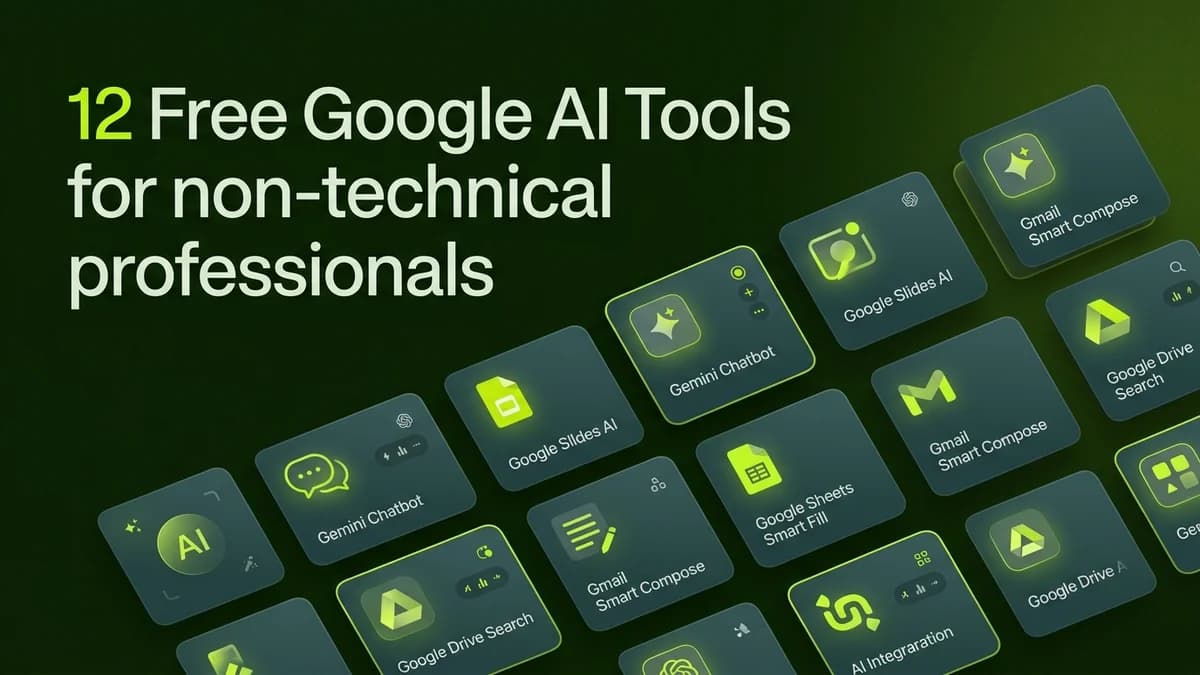
12 Free Google AI Tools That Replace Expensive Paid Software for Non-Technical Professionals

12 Free Google AI Tools That Replace Expensive Paid Software for Non-Technical Professionals
Non-technical professionals can replace hundreds of dollars in monthly software subscriptions by utilizing Google's ecosystem of free AI tools for document analysis, research, translation, data visualization, and task automation.
Small business owners and freelancers often spend Rs 5,000 to Rs 30,000 every month on specialized SaaS subscriptions—ranging from PDF analyzers and translation software to transcription tools and research databases.
Google offers powerful, enterprise-grade AI capabilities built directly into its free consumer and business ecosystem, allowing anyone to streamline daily work without adding extra software costs.
The 12 Free Google AI Tools Breakdown
┌─────────────────────────────────────────────────────────────┐
│                GOOGLE FREE AI PRODUCTIVITY ECOSYSTEM        │
│                                                             │
│  [NotebookLM] ──> Complex Document Research and Summary     │
│  [Gemini Free] ──> Drafting, Data Analysis and Brainstorming│
│  [Google Lens] ──> OCR Text Extraction and Image Translation│
│  [Pinpoint]   ──> Bulk Document Search for Research         │
└─────────────────────────────────────────────────────────────┘
Here is how these twelve free Google AI tools compare against popular paid alternatives:
Google Free AI Tool | Replaces Paid Tool | What It Does for Non-Coders | Monthly Savings |
|---|---|---|---|
Google NotebookLM | ChatPDF / Perplexity Pro | Summarizes long PDFs and turns documents into audio podcasts | ~$20/month |
Google Gemini (Free) | ChatGPT Plus / Claude Pro | Generates business copy, analyzes data tables and drafts emails | ~$20/month |
Google Pinpoint | NVivo / Enterprise Search | Searches thousands of scanned PDFs, contracts and audio files | ~$50/month |
Google Lens (Mobile/Desktop) | ABBYY FineReader / CamScanner | Instant OCR text extraction from images and real-world documents | ~$10/month |
Google Docs AI Voice Typing | Otter.ai / Rev | Accurately transcribes spoken meetings and voice notes for free | ~$15/month |
Google Sheets Smart Fill | Paid Excel Add-ons | Automatically cleans, formats, and categorizes messy data rows | ~$12/month |
Google Translate AI | DeepL Pro | Translates business emails and contracts across 130+ languages | ~$9/month |
Google Looker Studio (Free) | Tableau / Power BI Paid | Builds interactive visual data dashboards from Google Sheets | ~$70/month |
Google Workspace Help Me Write | Grammarly Premium | Edits business tone, fixes grammar, and expands email drafts | ~$12/month |
Google Photos AI Search | Paid Media Organizers | Natural language search for receipts, invoices, and image assets | ~$5/month |
Google Keep AI Categorizer | Evernote Personal | Automatically tags, groups, and organizes daily business notes | ~$8/month |
Google Chrome Reading Mode AI | Readwise / Pocket Paid | Strips web clutter and reads long articles aloud in natural voices | ~$8/month |
4 High-Impact Use Cases for Daily Business Tasks
Non-technical workers can combine these free Google AI tools to handle complex tasks in minutes:
1. Instant Contract and PDF Research with NotebookLM
Upload up to 50 PDF reports, contracts, or vendor proposals into a private NotebookLM notebook. Ask plain-English questions like "What are the termination clauses in these three contracts?" and get instant answers with exact source citations.
2. Automated Image-to-Spreadsheet Conversion via Google Lens
Take a photo of a printed receipt or handwritten invoice using Google Lens on your smartphone. Click Copy Text to instantly extract the numbers and paste them cleanly into Google Sheets without manual typing.
3. Deep Market Research with Google Pinpoint
Upload hundreds of news articles, transcripts, or competitor brochures into Google Pinpoint. The tool automatically categorizes key people, locations, and organizations mentioned across all files, allowing you to search through massive document archives effortlessly.
4. Free Meeting Transcription with Google Docs Voice Typing
Open a blank Google Doc during an online meeting or phone call, activate Voice Typing (Ctrl + Shift + S), and let Google transcribe the speaker's voice in real-time for free.
Frequently Asked Questions (PAA)
Are these Google AI tools completely free to use?
Yes! All twelve tools listed above are available free of charge with any standard personal or business Google account.
How does Google NotebookLM differ from standard ChatGPT?
Google NotebookLM grounds its answers exclusively in the specific documents and PDFs you upload, preventing hallucinated information and providing exact source quotes.
Can Google Looker Studio be used without knowing database code?
Yes! Looker Studio connects directly to standard Google Sheets via a visual drag-and-drop interface, enabling anyone to create professional dashboards without writing SQL queries.
Is my business data private when using free Google AI tools?
Google Workspace business accounts enforce enterprise privacy standards where your data is not used to train public models. For personal accounts, avoid uploading sensitive personal health or financial records.
Practical Steps to Save Money Today
- Audit your monthly credit card statement to identify paid subscriptions for PDF readers, transcription, or basic copywriting.
- Replace those paid tools with NotebookLM, Gemini, and Google Docs Voice Typing.
- Bookmark your favorite Google AI tools in your browser for instant daily access.

Learn to build AI workflows that handle your busywork — live sessions, real projects, zero code.
See the courseBeginner-friendly