.jpg&w=1080&q=75)
Google Antigravity AI Tutorial for Non-Coders: Build Apps Without Code in 2026

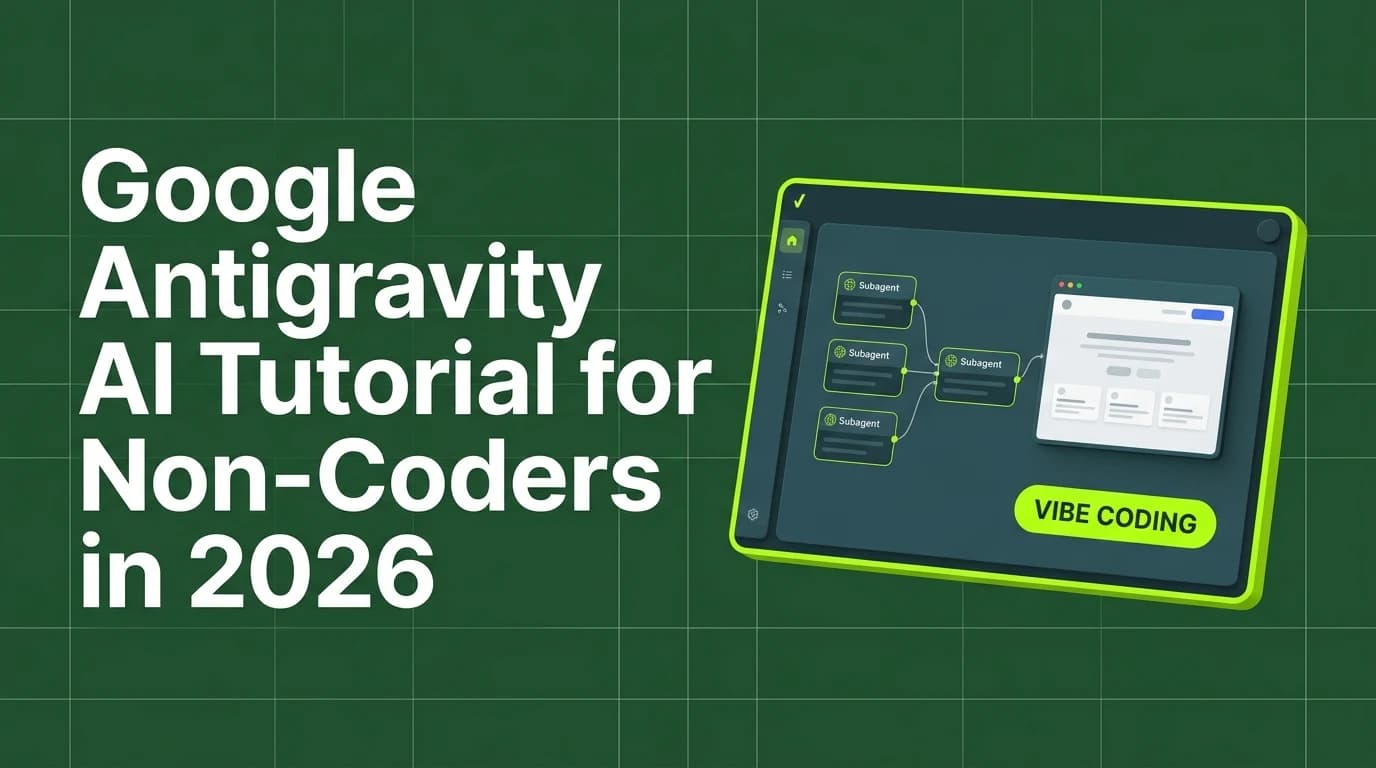
Google Antigravity AI allows non-technical professionals to build full-stack web applications and AI agent workflows using natural language prompts without writing manual code.
As artificial intelligence capabilities shift from simple text generation to autonomous execution, vibe coding has emerged as a dominant development paradigm for non-technical founders, digital marketers, and small business owners across India. Google Antigravity AI represents a major breakthrough in this ecosystem, providing an agentic development environment where users describe software requirements in plain English, and AI subagents design, code, debug, and deploy full applications automatically. In 2026, non-coders leverage Google Antigravity to build custom internal tools, client portals, and web software in hours without hiring developers.
Understanding how to structure prompts, configure subagents, and manage workspace states inside Google Antigravity unlocks enterprise-level software development for non-technical creators.
Traditional Coding vs Google Antigravity Vibe Coding
Comparing traditional manual software development against Google Antigravity's agentic workspace demonstrates dramatic speed and accessibility gains:
Development Dimension | Traditional Manual Coding | Google Antigravity Vibe Coding |
|---|---|---|
Required Technical Skill | Years of computer science & syntax mastery | Plain-language prompt engineering & logical design |
Application Build Speed | Weeks or months of development & testing | 1 to 3 hours from initial prompt to live deployment |
Debugging Process | Manual line-by-line code troubleshooting | Automated subagent error detection & self-repair |
Multi-Agent Collaboration | Requires hiring specialized developer teams | Autonomous built-in subagents (Researcher, Coder, Auditor) |
Development Overhead | High developer salary or agency fees | Low subscription cost under 2,000 INR per month |
Core Architecture of Google Antigravity AI
Google Antigravity operates through an intelligent multi-agent orchestration architecture:
[Natural Language Prompt] ──> [Orchestrator Agent] ──> [Specialized Subagents] ──> [Live Web App Deployment]1. Natural Language Prompt Interface
The primary entry point where non-coders input plain-language descriptions of the application layout, user permissions, database requirements, and visual design rules.
2. Orchestrator Agent Layer
The lead strategist agent that evaluates project requirements, creates detailed implementation plans, and assigns sub-tasks to specialized subagents.
3. Specialized Subagent Network
Independent AI subagents that work concurrently—such as a Frontend UI Designer, a Backend Database Architect, an Error Auditor, and a Web Browser Verification Agent.
4. Continuous Execution & Verification Engine
Antigravity automatically compiles code, launches local preview servers, runs browser tests, detects visual or functional errors, and repairs bugs in real time.
Step-by-Step Google Antigravity Tutorial for Beginners
Follow this 5-step implementation blueprint to build your first web application using Google Antigravity:
- Define Clear Project Specs: Outline your application's core feature list, user interface components, and data structures in a plain-text document.
- Initialize Your Antigravity Workspace: Open the Google Antigravity environment and select the appropriate visual tech stack (e.g. HTML/CSS/JavaScript or Next.js).
- Execute the Master Design Prompt: Input your spec document into the Antigravity prompt bar, instructing the orchestrator agent to generate the baseline application architecture.
- Interact with Subagents for Refinement: Provide iterative feedback to specialized subagents to refine visual styling, color palettes, mobile responsiveness, and button actions.
- Verify and Deploy: Use the built-in verification agent to run automated browser checks, confirm zero console errors, and export the production build.
Master Antigravity Prompt Structure for Non-Coders
Use this battle-tested prompt blueprint to get high-quality app builds from Google Antigravity:
Antigravity App Spec Prompt:
"Role: You are an elite lead full-stack developer and UI designer.
Goal: Build a responsive client onboarding dashboard web application.
Design System: Use solid flat colors (Deep Forest Dark background, Dark Slate Teal cards, Electric Lime accents, and Cream text).
Features:
1. Client Intake Form with fields for Name, Email, Project Scope, and Budget.
2. Interactive Status Dashboard displaying active client progress cards.
3. Automated CSV Data Export button for manager reporting.
Rules: Ensure clean sans-serif typography, smooth micro-animations, zero placeholders, and zero console errors."
Frequently Asked Questions (FAQs)
What is Google Antigravity AI?
Google Antigravity AI is an agentic development environment that enables users to create software applications, web tools, and AI agents using natural language prompts without writing manual code.
Do I need to know programming languages like HTML or Python to use Google Antigravity?
No, Google Antigravity handles all underlying code generation, compilation, syntax debugging, and file structuring automatically based on your plain-text instructions.
Is vibe coding suitable for commercial small business applications?
Yes, non-technical founders use vibe coding platforms like Google Antigravity to launch production-ready client portals, internal dashboards, CRM tools, and landing pages rapidly.
How does Google Antigravity handle application errors and bugs?
Antigravity includes autonomous verification subagents that inspect application logs, identify runtime errors, and rewrite broken code blocks automatically until the app builds cleanly.

Learn to build AI workflows that handle your busywork — live sessions, real projects, zero code.
See the courseBeginner-friendly