.jpg&w=1080&q=75)
7 Vibe Coding Tools Compared: Lovable, v0 and More (2026)

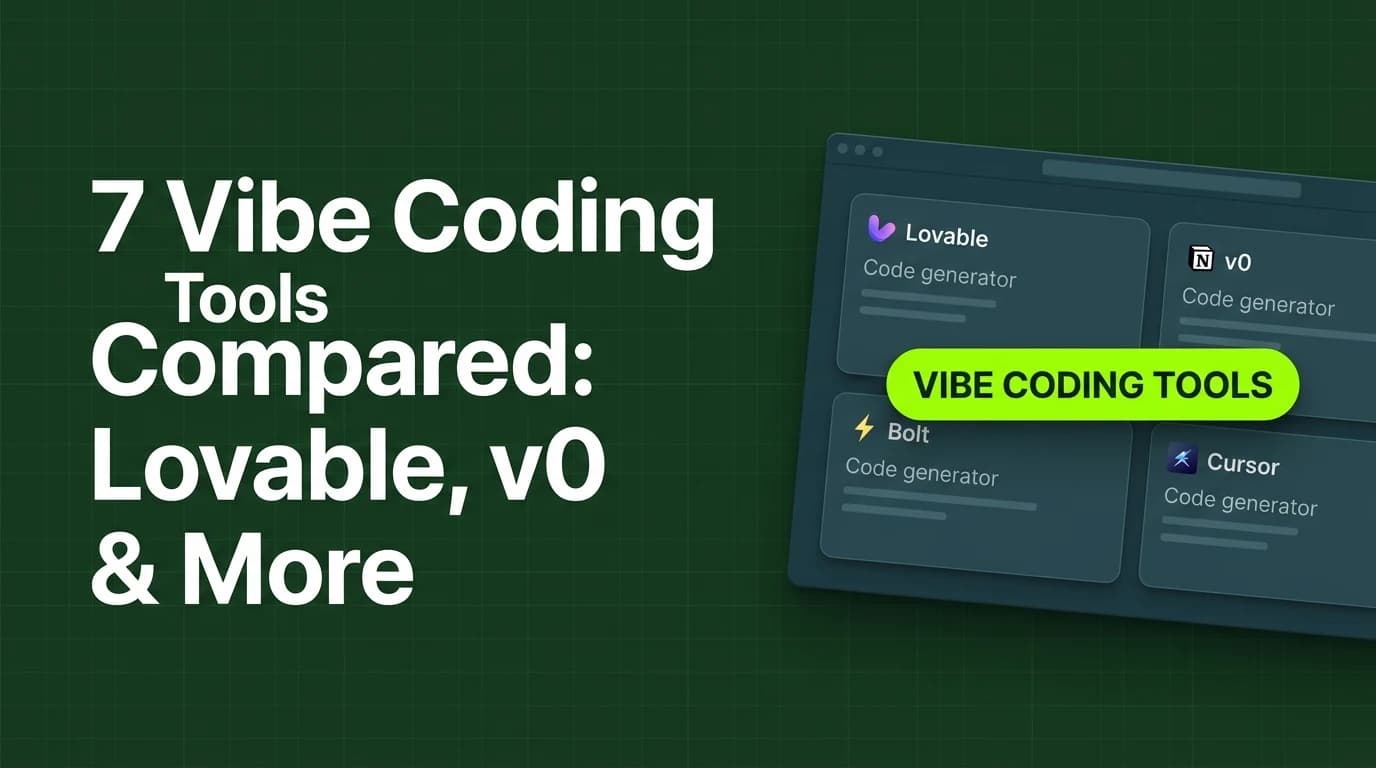
The best vibe coding tools in 2026 for non-coders are Lovable, v0 by Vercel, bolt.new, Blink.new, Same, Atoms, and Cursor — each turns a text prompt into a working web app with real code, not just a static page. Prices range from free tiers to roughly ₹2,100/month for the most capable plans.
Vibe coding means describing what you want in plain English and getting back an actual working application — with a database, user logins, and real logic — instead of just a homepage. If you already read our guide to AI website builders in India, this is the next tier up: for when a website isn't enough and you need something that actuallydoes something.
Vibe Coding Tools vs Website Builders: The Real Difference
A website builder like Wix generates a marketing page. A vibe coding tool generates a working product — think a booking system with a real database, or an internal tool that tracks your inventory. If Google Antigravity is the tool you're specifically after, we cover that one in a dedicated tutorial; this guide covers the other major players.
The 7 Best Vibe Coding Tools (2026 Pricing)
Tool | Starting Price | What Makes It Different |
|---|---|---|
Lovable | Free / ~₹2,100/month | Generates real, exportable React code you fully own — no lock-in |
v0 by Vercel | Free / ~₹1,700/month | Production-ready React components with a live preview as you prompt |
bolt.new | Free / ~₹2,100/month | Runs a full Node.js environment inside the browser via WebContainers |
Blink.new | Free / ~₹2,100/month | Auto-provisions a database, authentication, and backend functions alongside the frontend |
Same | Free / ~₹850/month | Clones an existing website by URL into an editable, customizable copy |
Atoms | Free / ~₹1,700/month | Seven specialized AI agents split the work — research, design, and build run in parallel |
Cursor | Free / ~₹1,700/month | A full AI code editor rather than a prompt box — more control, but a steeper first hour for a true non-coder |
These are converted from published USD pricing and will move with the exchange rate — check each tool's own pricing page before you commit a monthly budget to it.
Walkthrough: Building a Simple App With a Vibe Coding Tool
Here's the actual flow, using Lovable as the example (the pattern is near-identical across this list):
- Describe the app. Type something specific: "a booking form for a 1-person salon that emails me when someone books a slot."
- Review the generated app. The tool builds a working form, a database table to store bookings, and the email-notification logic — live, not a mockup.
- Prompt refinements. Ask for changes in plain English: "add a field for which service they want" — the tool edits the actual code and redeploys.
- Connect real accounts. Link your actual email service and, if needed, a payment processor — this step still needs your real credentials, no tool skips it.
- Publish and test it yourself before sending the link to a single real customer. AI-generated logic still needs a human to click through it once.
What Vibe Coding Still Can't Do For You
None of these tools understand your actual business rules unless you spell them out. "Handle bookings" is not a specification — "no double-bookings, 30-minute slots, block Sundays" is. The tool builds exactly what you describe, including the gaps you didn't think to mention. Budget time for a second and third prompt pass, not just the first one.
Two other things stay your job, not the AI's:
- Deciding what to build at all. These tools are excellent at execution and genuinely weak at strategy. If your booking form doesn't solve a real problem your customers have, a well-built version of it still won't get used.
- Catching logic mistakes before a customer does. An AI-generated form that lets someone book a slot that's already taken is a bug you have to test for yourself — the tool won't flag its own blind spots.
If you want to go deeper than any single tool's docs can take you, our Vibe Coding Mastery course walks through the whole prompt-to-published-app process with a real project, not a toy demo.
Is Vibe-Coded Code Safe for Real Customer Data?
This is the question most beginner guides skip, and it matters the moment you move past a demo. Treat anything generated by these tools the same way you'd treat code from a junior freelancer: usable, but worth a second look before real customer data touches it.
Concretely: don't store payment card details directly in a vibe-coded app — route payments through an established processor (Razorpay, Stripe) instead of building your own payment storage, no matter how easy the AI makes it look. For anything handling customer phone numbers, emails, or addresses, ask the tool directly (most of these have a chat interface) whether the data is encrypted at rest, and read the answer critically rather than assuming yes. None of this means avoid these tools — it means the AI writes the code, but you're still the one responsible for what happens to your customers' data.
Which Tool Should You Actually Start With
The honest answer for most non-coders: pick whichever of these vibe coding tools has the most generous free tier, and build your actual first project on it before paying for anything. The differences below matter more once you've hit a real limitation, not before.
- Want to own the code and possibly hand it to a developer later: Lovable or v0.
- Building something that needs a real backend fast (database, auth): Blink.new or bolt.new.
- Copying the structure of a site you already like: Same.
- Want AI to handle research and design decisions, not just code: Atoms.
- You're willing to learn a real code editor for more control: Cursor — but expect a slower first session than the others on this list.
Common Mistakes First-Time Users Make
- Starting with a vague prompt. "Build me a CRM" produces something generic. "Build me a page that lists my 20 clients with their last order date and a note field" produces something you'll actually use.
- Paying before testing the free tier. Every tool on this list has a usable free plan. Build your real first project there before you decide which paid tier fits.
- Skipping the human test pass. Click through every path yourself — including the ones you didn't explicitly ask the AI to build — before a real customer does.
- Assuming one tool does everything. Some solopreneurs end up using two of these — one for quick internal tools, one for anything customer-facing that needs to look polished. That's a reasonable split, not overkill.
The Bottom Line
Of the vibe coding tools compared here, there isn't a single universal winner — the right one depends on whether you want to own exportable code, need a backend fast, or are willing to trade a steeper learning curve for more control. Start free, build one real project, and only pay once you've hit the free tier's actual limit.

Learn to build AI workflows that handle your busywork — live sessions, real projects, zero code.
See the courseBeginner-friendly