.jpg&w=1080&q=75)
How to Build an AI Agent Without Coding in 2026: A Step-by-Step No-Code Blueprint

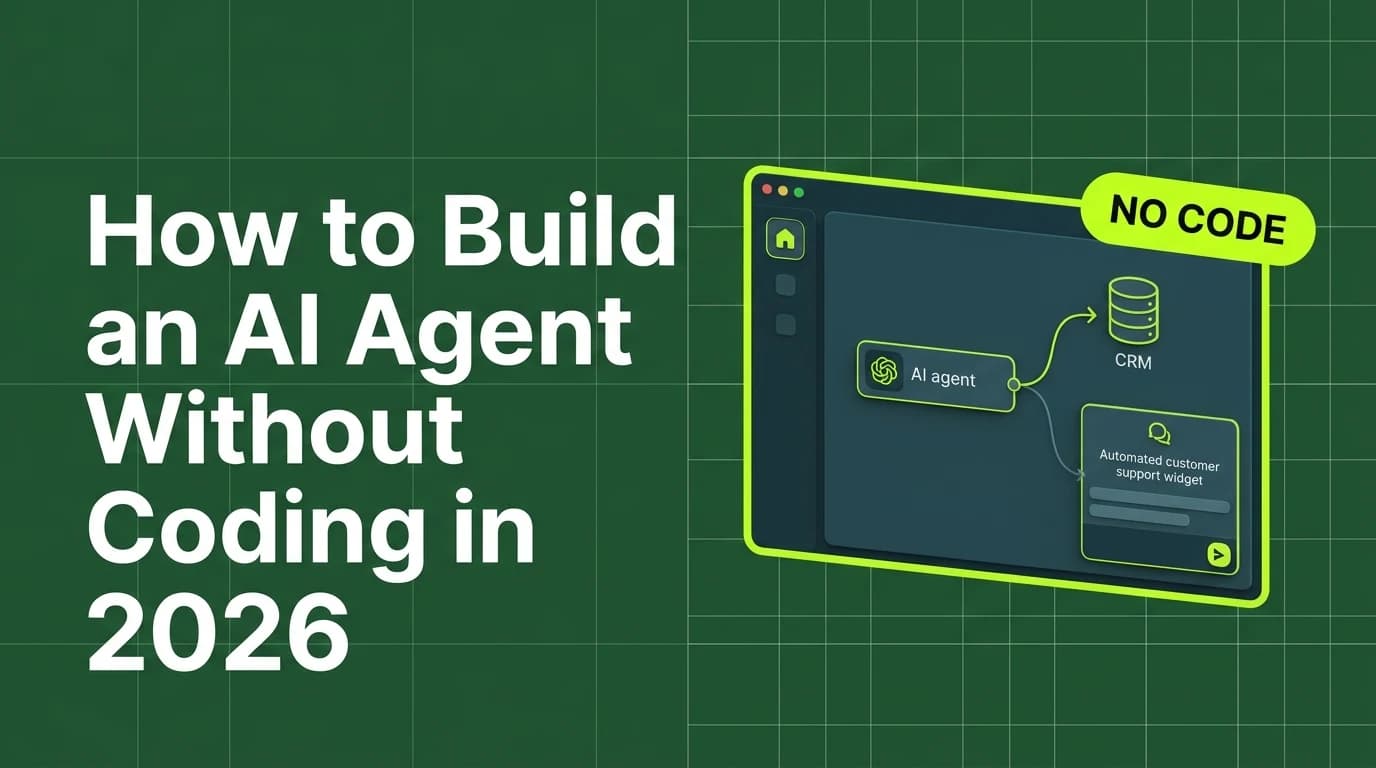
Building an AI agent without coding requires connecting a visual automation platform like n8n or Make.com with an AI model API like Claude 3.5 Sonnet to process inputs, execute multi-step logic, and trigger automated business actions.
Building custom artificial intelligence agents was historically restricted to software engineers proficient in Python, API programming, and machine learning math. However, the rapid advancement of visual no-code automation platforms has democratized AI agent development for non-technical professionals, small business owners, freelancers, and agency founders across India. In 2026, anyone capable of creating a flow diagram can build, test, and deploy autonomous AI agents that run 24 hours a day to handle repetitive operational workflows.
By substituting traditional code syntax with visual logic nodes, non-coder founders automate lead qualification, client support, content research, and administrative tasks in hours rather than months.
Traditional Code-Based Agents vs Visual No-Code AI Agents
Comparing code-heavy AI agent development against visual no-code platforms highlights the immediate operational advantages for non-technical users:
Development Dimension | Code-Based Agent Development (Python/LangChain) | Visual No-Code AI Agent Development (n8n/Make) |
|---|---|---|
Required Technical Skill | Advanced Python, terminal setup, & API coding | Zero coding; visual drag-and-drop node linking |
Setup & Build Time | 2 to 4 weeks of environment & code debugging | 1 to 3 hours using pre-configured visual canvas |
Maintenance Complexity | High manual maintenance whenever APIs update | Managed visual integrations updated automatically |
Iteration & Editing Speed | Code rewriting & re-testing required | Instant visual logic adjustments in real time |
Monthly Operating Cost | Engineering developer costs + API usage | Low cloud hosting (0 to 1,800 INR) + API usage |
The 4 Core Building Blocks of a No-Code AI Agent
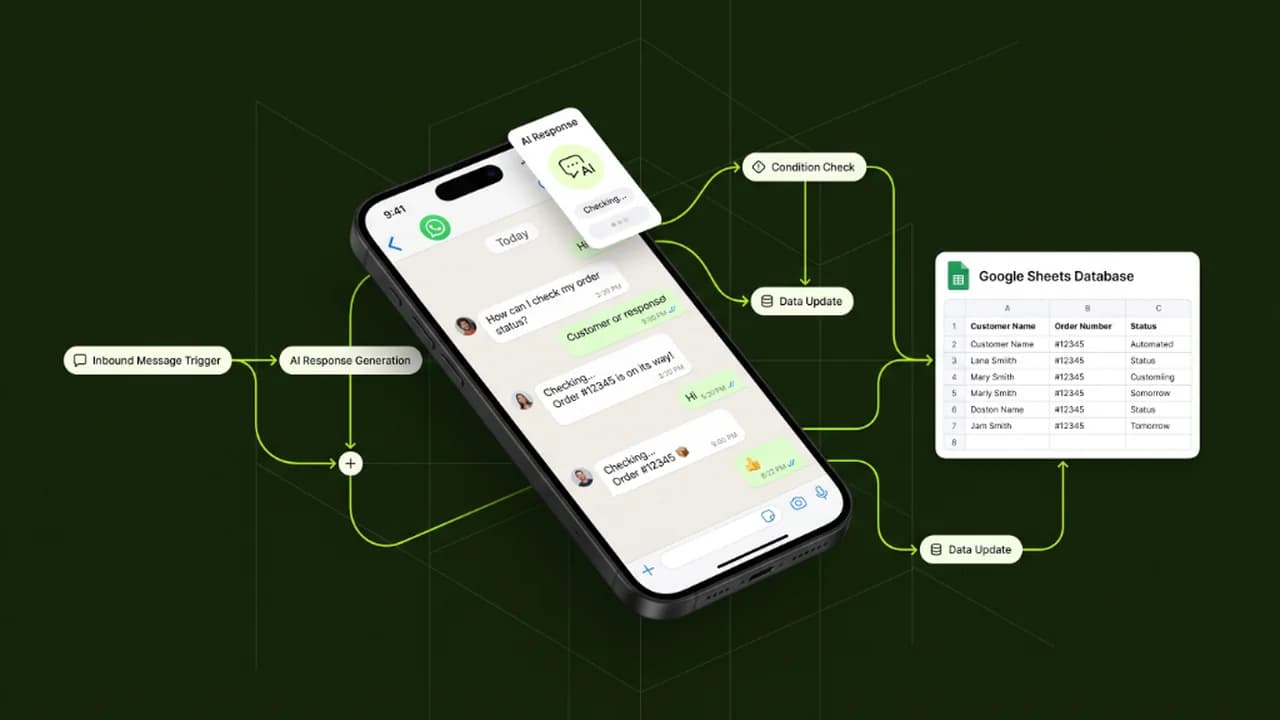
Every functional no-code AI agent consists of four essential visual components connected on a single workflow canvas:
[Trigger Event Node] ──> [Memory & Context Node] ──> [LLM Reasoning Engine] ──> [Action Output Node]1. Trigger Event Node
The entry point that activates the agent, such as an incoming WhatsApp message, a Google Form submission, a scheduled cron timer, or a web search alert.
2. Memory & Context Node
The knowledge layer that provides the AI agent with conversation history, business SOP documents, product catalogs, or database records.
3. Large Language Model (LLM) Reasoning Engine
The core intelligence module (such as Anthropic Claude 3.5 Sonnet or OpenAI GPT-4o) that evaluates incoming data against your custom system instructions and decides the next action.
4. Action Output Node
The operational result executed by the agent, such as dispatching a customized reply email, updating a Notion database, sending a Slack alert, or creating an invoice in Zoho Books.
Step-by-Step Guide to Building Your First No-Code AI Agent
Follow this 5-step blueprint to construct and deploy your custom AI agent without writing a single line of code:
- Define a Specific Business Problem: Choose one repetitive, well-defined task to automate first, such as screening inbound lead inquiry emails or drafting proposal summaries.
- Set Up Your Visual Canvas: Create a free account on n8n or Make.com and open a new blank workflow canvas.
- Configure the AI Model & System Instructions: Add an Anthropic Claude or OpenAI node. Define a strict system prompt outlining the agent's persona, operational rules, allowed response guidelines, and fallback procedures.
- Connect Business Knowledge Base: Upload your business FAQs, product pricing lists, or service SOPs as reference context inside the memory node.
- Connect Output Actions & Conduct End-to-End Testing: Route the agent's output into your preferred channel (e.g. Gmail, Google Sheets, or WhatsApp), run test inquiries, and refine system prompts until accuracy is verified.
Essential Guardrails for No-Code AI Agent Security
Deploying autonomous agents into live business operations requires clear security protocols:
- Restrict Data Modification Access: Grant your AI agent read-only access to master accounting software and sensitive client databases to prevent unintended data edits.
- Implement Human Escalation Filters: Configure IF/ELSE logical conditions that automatically transfer complex or high-value customer inquiries to a human manager.
- Set Daily API Execution Caps: Configure usage thresholds inside your automation builder to control monthly spending and prevent unexpected API charges.
Frequently Asked Questions (FAQs)
Can I build a fully functional AI agent without any prior coding experience?
Yes, modern visual platforms like n8n and Make.com use intuitive drag-and-drop nodes and plain-language prompt fields designed specifically for non-technical business professionals.
Which AI model is best for powering a no-code business agent?
Anthropic Claude 3.5 Sonnet is widely recommended for business agents due to its superior instruction-following, long document processing, and highly nuanced tone control.
How much does it cost to run a no-code AI agent per month?
Running a basic self-hosted AI agent on n8n costs under 500 INR monthly for cloud hosting plus pay-as-you-go API calls, while commercial hosted platforms range from 900 INR to 2,500 INR monthly.
Can a no-code AI agent handle customer inquiries in Indian languages?
Yes, top AI models natively process and respond to messages in English, Hinglish, Hindi, and regional Indian languages without requiring extra translation software.

Learn to build AI workflows that handle your busywork — live sessions, real projects, zero code.
See the courseBeginner-friendly