.jpg&w=1080&q=75)
How Indian MSMEs & Solopreneurs Build Custom No-Code AI Agents for Daily Operations in 2026

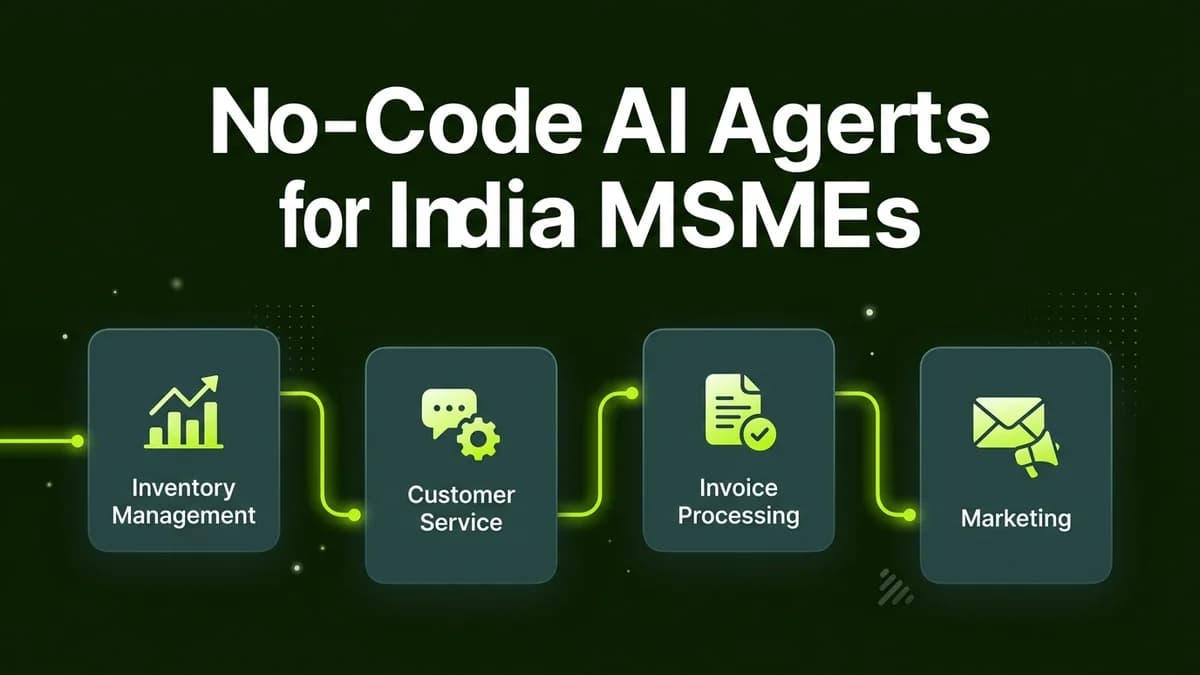
Indian MSMEs and solopreneurs build custom no-code AI agents using visual platforms like n8n or Google Gemini Enterprise to automate customer inquiries, document processing, and inventory tasks without developers.
Across India, Micro, Small, and Medium Enterprises (MSMEs) and independent business owners face severe operational bandwidth constraints. Small teams spend hours managing customer inquiries across WhatsApp and email, manually verifying supplier invoices, and tracking inventory updates. Traditional automation scripts required complex coding and constant developer maintenance. Today, autonomous "AI agents" represent a massive shift in business software.
Unlike traditional linear automations that strictly follow fixed if-then rules, no-code AI agents possess decision-making capabilities. An AI agent can evaluate unstructured incoming data, decide which internal tools or spreadsheets to query, and execute multi-step business tasks autonomously.
Traditional Chatbots vs Autonomous No-Code AI Agents
Understanding the core operational differences between basic chatbots and AI agents is vital for business owners:
Capabilities | Basic Rule-Based Chatbots | Autonomous No-Code AI Agents |
|---|---|---|
Decision Logic | Strict pre-written decision trees | Dynamic reasoning powered by LLM models |
Data Processing | Can only process exact button clicks | Reads messy PDF invoices, voice notes, & emails |
External Tool Access | Static hard-coded API integrations | Dynamically selects & queries databases / CRMs |
Exception Handling | Fails when a user strays from script | Autonomously searches alternative data routes |
Setup Requirement | Complex programming or rigid flows | Visual drag-and-drop node configuration |
The 4 Core Components of a Business AI Agent
A functional no-code AI agent consists of four interconnected visual modules:
[Trigger Event] ──> [AI Perception & Intent Node] ──> [Tool & Database Execution] ──> [Verified Output]1. Perception & Intent Input
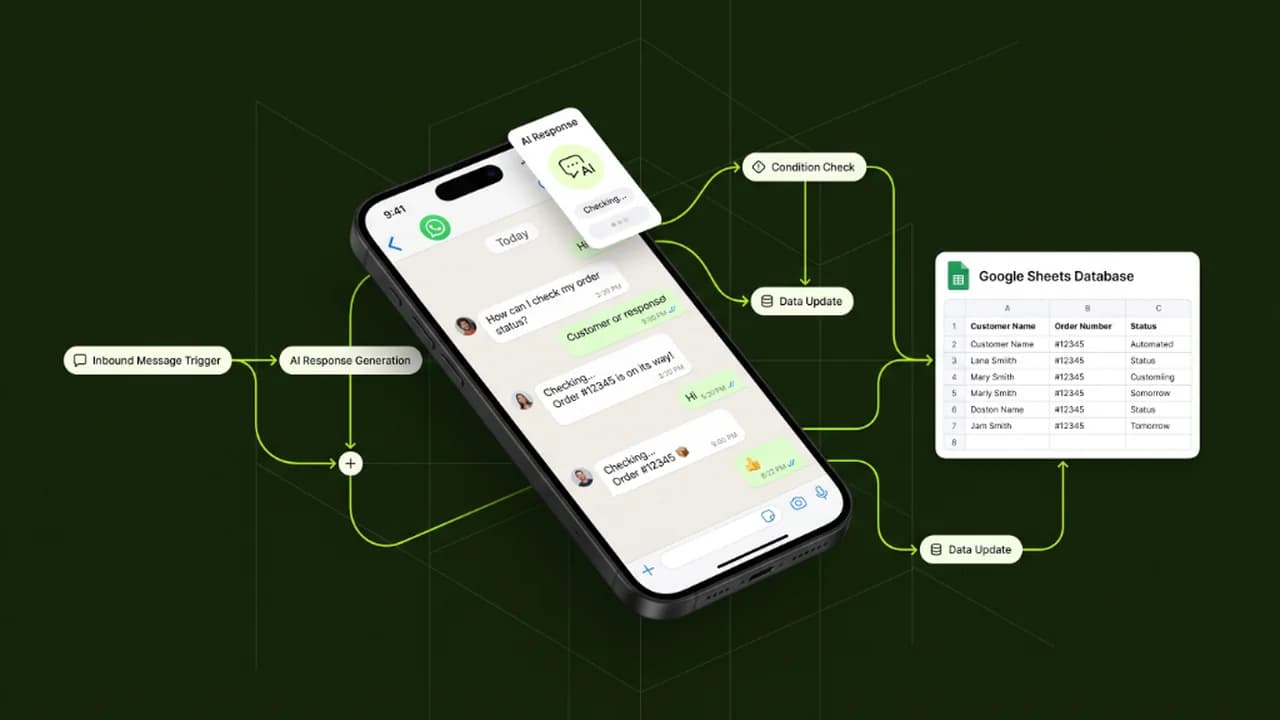
The agent receives an incoming trigger, such as a client inquiry on WhatsApp, an invoice attachment in Gmail, or a new order row in a Google Sheet.
2. Reasoning Engine (LLM Brain)
An advanced AI model (such as Claude 3.5 Sonnet or ChatGPT-4o) evaluates the incoming input. The model determines what business action is required based on predefined company operational guidelines.
3. Tool Execution & Knowledge Retrieval
The agent uses built-in connectors to perform real work:
- Searches internal document knowledge bases (vector memory).
- Checks real-time stock levels in a Google Sheet or Notion database.
- Calculates customized client pricing estimates.
AI Agent Reasoning Prompt Blueprint:
"You are the Operations Assistant for an Indian logistics service. Analyze incoming message: {Client_Message}.
Step 1: Identify if the user is asking for (A) Shipment Tracking, (B) Price Quote, or (C) Support.
Step 2: If Shipment Tracking, query the tracking database tool using Tracking_ID.
Step 3: Compose a clear 2-sentence response detailing current status and estimated arrival."
4. Verified Action Output
The agent completes the loop by sending a context-aware response to the client, updating internal databases, or alerting a human manager if confidence is low.
Step-by-Step Blueprint to Deploy Your First AI Agent
Follow this sequence to launch your first operational AI agent in 45 minutes:
- Define a Single Repetitive Goal: Select one routine operational task, such as answering shipping status questions or verifying supplier bills.
- Build Your Data Base: Store your standard operating procedures, price lists, or FAQs in a structured Google Sheet or Notion table.
- Configure Visual AI Agent Nodes: Use n8n or Make.com to set up the agent controller and connect your chosen LLM model.
- Attach Tool Connectors: Grant the agent read/write permissions to your database and notification channels.
- Implement Human Guardrails: Set a confidence threshold rule so ambiguous or high-value inquiries route to a human team member for review.
Frequently Asked Questions (FAQs)
Do I need coding experience to build AI agents for my business?
No. Visual platforms like n8n and Make.com allow non-technical founders to assemble complete AI agent workflows using intuitive visual nodes without writing code.
Are no-code AI agents secure for confidential company data?
Yes, provided you use commercial enterprise API accounts (such as OpenAI Team or Claude Pro) which guarantee that company data remains encrypted and is never used to train public AI models.
How much does it cost an Indian small business to run an AI agent monthly?
Running an AI agent on self-hosted n8n or Make.com typically costs between ₹800 and ₹2,500 per month in total API and hosting expenses, saving 15 to 25 hours of manual work weekly.
What happens if an AI agent makes a mistake?
By implementing strict human-in-the-loop validation rules, any low-confidence responses are automatically held in a review queue for human approval before dispatch.

Learn to build AI workflows that handle your busywork — live sessions, real projects, zero code.
See the courseBeginner-friendly